AI Image Expander
AI image expander for a still you already have. Sign in, pick a ratio, uncrop or extend the edges, download the new still. This page uploads. Split, PDF, and filters stay in the browser.
Drop a photo to expand the canvas
JPG, PNG, or WebP. Under 10 MB. One still at a time.
This AI image expander uploads the photo. Split, PDF, and filters on this site still stay in the browser.
Expanding…
0s
Often 15–45 seconds. Keep this tab open.
Try an example
New pixels outside the frame
This page paints what was cropped away. It does not upscale the original pixels.
Standard or Pro
Standard is the everyday 1-credit uncrop. Pro is the 3-credit pass with an optional prompt.
Adult images blocked
We do not expand adult or prohibited images. If the automatic check is wrong, use Feedback in the top bar.
How to uncrop or extend a photo
Works in a browser on a phone or a computer. No app install. Same path for expander, extender, or an uncrop image job.
Add a photo
Drop a JPG, PNG, or WebP on the dashed box. One still is enough. Adult or prohibited images are not accepted. If the automatic check is wrong, use Feedback in the top bar.
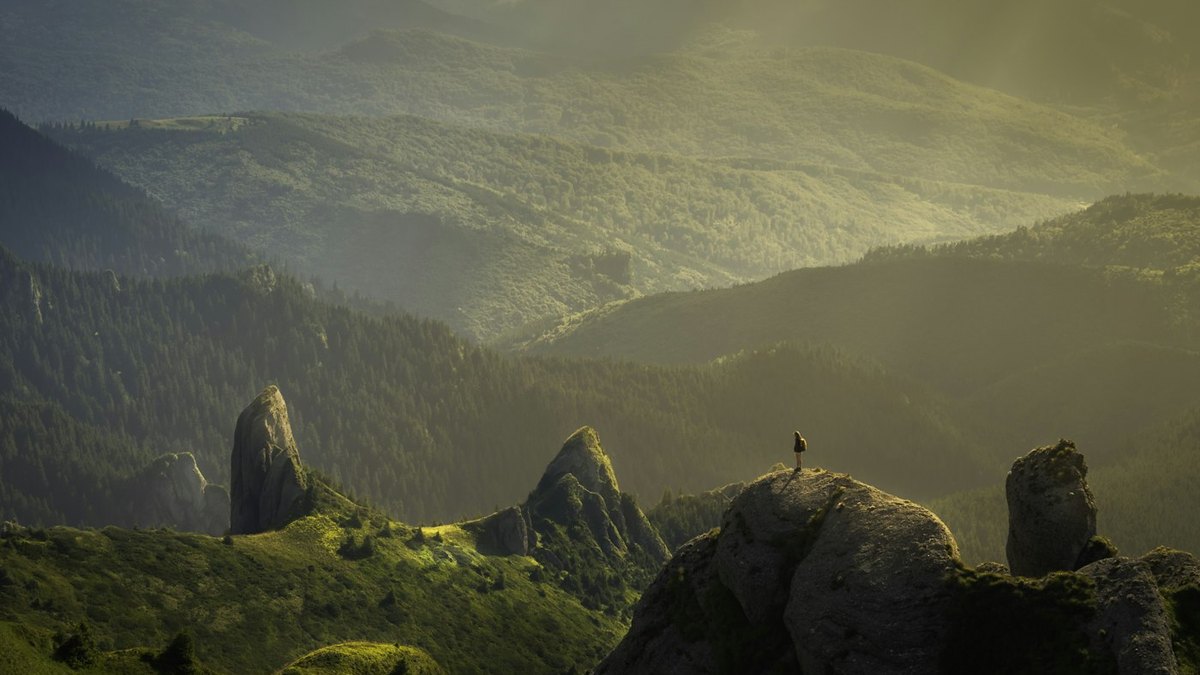
Pick a ratio, then Expand photo
Choose the output ratio. Standard for a clean uncrop. Pro when you want a prompt on the new pixels. Watch the before/after. If a safe photo is blocked, use Feedback in the top bar.
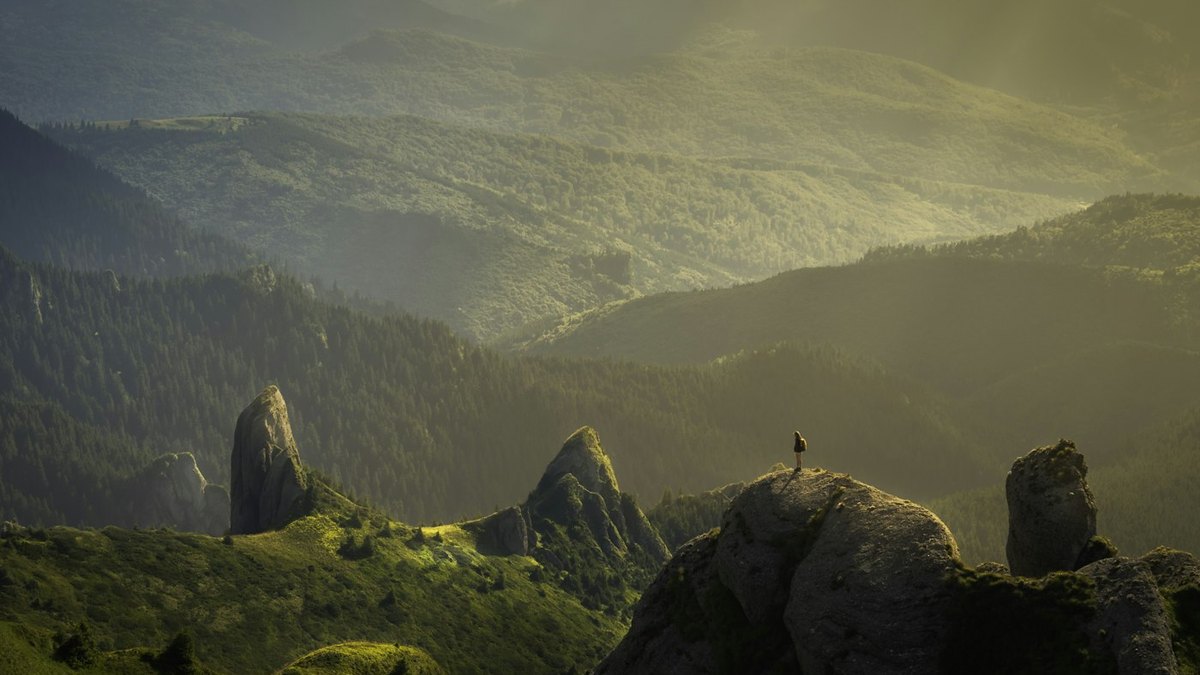
Download the expanded still
View it here, then download. Sign in to run the expand. Standard can use the shared daily trial. More runs use credit packs on the pricing page.
Also on this site: Split Image · Overlay Images · AI Image Upscaler · AI Background Remover · Flip Image · Blur Image · Merge Images · Image Compressor
What is an AI image expander?
An AI image expander is a page that takes a still you already have and generates new pixels outside the original frame. People type AI image expander, AI image extender, uncrop image, and expand image AI. The job is the same: grow the canvas, keep the subject, fill the empty band. It is not an upscaler (that enlarges pixels you already have) and not a crop tool (that throws pixels away).
This URL is the AI image expander on splitimage.im. You add a JPG, PNG, or WebP, pick 1:1, 4:5, 9:16, 16:9, 4:3, 3:4, or 3:1, and download the wider or taller still. That is uncrop: the tight phone crop opens up. That is also an AI image extender: the banner, story, or print edge gets invented, not stretched. It is not Aspect Ratio Changer (pad or crop without painting). It is not a video outpaint, not a batch zip, and not a Photoshop Generative Expand menu.
Unlike split and filters on this site, this URL uploads the photo so a cloud model can run. You sign in with email or Google. Standard can spend the shared daily trial (same pool as the AI image upscaler). Pro costs 3 credits and never uses that trial. Adult and prohibited stills are blocked. If the safety check cannot finish, the expand does not run.
What this AI image expander does
One photo is enough. The same AI image expander covers AI image extender, uncrop image, and expand image AI. A prompt sits on Pro, not on a second URL.
One still, one expanded file
Drop a JPG, PNG, or WebP. The preview is the file you download. The identity line under the preview shows the filename and the new pixel size.
Ratio presets, not a blank canvas
Pick 1:1, Instagram 4:5, Story 9:16, 16:9, 4:3, 3:4, or YouTube 3:1. This page grows the short sides. If the photo is already that ratio, it zooms the frame out a little so there is something to fill.
Standard to uncrop, Pro to guide
Standard is the everyday AI image extender pass. Pro is the paid outpaint when you want a sentence on the new sky, street, or table. Both write a still, not a video.
Honest upload and safety
This page uploads. Other tools on the site do not. Adult images are refused. HEIC, TIFF, GIF, and PDF are declined. Save a JPG or PNG from the phone first.
Why this AI image expander
AI image expander, AI image extender, and uncrop image are the same search. This page only grows the frame. Neighbor tools stay on their own URLs.
Painted edges, not stretched pixels
Some “expand” pages just scale the photo and call it done. This URL invents the missing band so a 4:5 post or a 16:9 banner does not look squashed.
Same credits as the upscaler
You do not buy a second wallet. Standard shares the daily trial and the credit packs already used for AI image upscaler. Pro is 3 credits so it cannot eat that trial.
Clear about upload
Privacy pages that pretend every tool is local are a lie on a cloud expand. We say this URL uploads, and split, PDF, and filters do not.
No print-tiling mix-up
Searches for expand image to print a poster want tiles. That job lives on Split Image and Image to PDF. This page uncrops one still.
Limits and tips
- This page uploads. Closing the tab does not unsay that. Split and PDF still run locally.
- Start with Standard. Switch to Pro if the new sky or crowd still looks empty on the slider.
- A subject that already fills every edge, a busy crowd, or heavy motion blur is a weaker job. Crop a little breathing room first if you can.
- HEIC from iPhone, TIFF, GIF, and PDF are rejected. Save a JPG or PNG first.
- Adult or prohibited stills are blocked. If the automatic check is wrong, use Feedback in the top bar.
- We do not run inside Photoshop, Lightroom, or Canva. Export a still, then drop it here.
- Video outpaint, batch zip, and upscaling stay off this URL. Use AI Image Upscaler when you need more pixels inside the same crop.
- You own the photo you add. This page is not legal advice and does not grant a copyright license.
Jobs that finish on this page
These are uncrop and extend jobs. Print-tiling and upscale searches stay off this list on purpose.
Uncrop a phone portrait for Instagram
A tight 4:5 that cuts the shoulders. Run this page at 4:5 or 1:1 so the grid tile has room around the face.
Input: One JPG portrait from a phone
Setting: 4:5 or 1:1, Standard
Output: One expanded still
Caveat: Hair against a busy street can leave a soft edge. Check the slider at 100% before you post.
Extend a still into a 16:9 or 3:1 banner
A square product shot that has to sit on YouTube or a wide hero. Use 16:9 or 3:1 and let the AI image extender invent the table or wall.
Input: One PNG or JPG product still
Setting: 16:9 or 3:1, Standard, Pro if you prompt the backdrop
Output: One expanded banner still
Caveat: Logos and small type in the original stay; the model does not redraw packaging text cleanly.
Open a Story or TikTok 9:16 from a landscape photo
A 16:9 dinner table that needs to stand on a phone. Pick 9:16 so the model adds floor and ceiling instead of cropping the plates.
Input: One landscape still
Setting: 9:16, Standard
Output: One tall expanded still
Caveat: This is not a video outpaint and not a batch zip.
AI image expander here, or a neighbor tool?
Use this page
Uncrop or extend a still with the AI image expander
Use this URL for AI image expander, AI image extender, uncrop image, or expand image AI. The job is new pixels outside the frame. Crop-without-paint, split, and upscale live on other URLs.
Use a related tool
Change ratio without painting, or enlarge the same crop
Need pad or crop with no new pixels? Use Aspect Ratio Changer . Need more pixels inside the same crop? Use AI Image Upscaler. Need tiles for print? Use Split Image. Those pages are not an AI image expander.
AI image expander FAQ
What is an AI image expander? +
An AI image expander takes a photo you already have and generates new pixels outside the original frame so the canvas is wider or taller. This URL is that tool: add a still, pick a ratio, download the file. It is not a text-to-image generator and not a desktop plugin.
How do I use the AI image expander? +
Drop a JPG or PNG, choose a ratio and Standard or Pro, press Expand photo, then download. The preview stays on this page. You do not install an app. When the model API is connected, the download is the preview.
Is this free to use? +
This page is a signed-in expand, not an unlimited no-login tool. Standard costs 1 credit and may use the shared daily trial after sign-in. Pro costs 3 credits and never uses that trial. Credit packs and the monthly plan live on the pricing page.
Does the AI image expander upload my photo? +
Yes, this page uploads so the model can run. Split Image, printable PDF, rotate, flip, blur, and pixelate still run in the browser and do not use this upload. Adult or prohibited images are blocked. If the automatic check is wrong, use Feedback in the top bar.
Do I need to log in? +
You can read the page without an account. Expanding a photo requires sign-in. Signed-in users can use the shared daily trial on Standard; more runs use credits. Email and Google login sit on this page and pricing only.
What formats can I drop in? +
JPG, PNG, and WebP under 10 MB. This page returns a still in PNG or JPG. HEIC, TIFF, GIF, and PDF are declined. Save a JPG or PNG from the phone first.
Does it add a watermark? +
No watermark on the file we return. We also do not stamp a logo on local split or PDF exports. If a credit pack is required for extra runs, that is a paywall, not a watermark.
Can I use this on iPhone or Android? +
Yes. Open this page in Safari or Chrome, add a JPG or PNG, pick a ratio. You do not install a separate app. iPhone HEIC must be saved as JPG first.
Is AI image extender the same as AI image expander? +
Yes. AI image expander and AI image extender are two names for the same uncrop job. This page uses expander in the heading and extender in the title so either search lands on one URL. You do not need a second page.
Can I uncrop an image here? +
Yes. Uncrop image is the same job as this URL: restore what a tight crop cut off by painting outside the frame. Pick a ratio close to what you want to post, then download. It is not a magic recover of deleted file data.
What is outpaint, and do I search that here? +
Outpaint is the research name for filling pixels outside a picture. This AI image expander is that product. Keep outpaint as a question on this page; the heading stays AI image expander because that is how people look for a tool.
Is this the same as expand image for printing? +
No. Expand image for a poster or PDF wants tiles, overlap, and paper size. Use Split Image or Image to PDF for that. This URL invents new pixels on one still so a ratio fits a feed or banner.
How is Standard different from Pro? +
Standard is the everyday 1-credit uncrop and can use the shared daily trial. Pro is the 3-credit pass with an optional prompt and is paid only. Both return an expanded still. Zoom the slider before you download.
Should I use the AI image upscaler instead? +
Use AI Image Upscaler when the crop is already right and you need more pixels inside it. Use this AI image expander when the crop is too tight and you need new scene around the subject. They share the same credits.
Why was my photo blocked? +
We do not expand adult or prohibited content. If the automatic check is wrong, use Feedback in the top bar and we will look into it. A blocked run does not keep the credit.
AI Image Expander
Add a photo, pick a ratio, and download an uncropped or extended still. Then split or overlay on this site.
Open the AI image expander