Recolor Image Online — Hue Changer
Recolor image in this tab. Rotate hue, or tint the whole still toward a color. The preview is the file you download. Nothing is uploaded.
Drop a photo to recolor
Add 1–30 photos. JPG, PNG, WebP, GIF, BMP, AVIF.
100% private — the recolor stays in this browser.
Settings
Recolor image
Hue rotates the whole still. Tint pulls every color toward the swatch. This page does not pick one object, and it does not paint a black-and-white photo.
Degrees on the color wheel. Zero leaves hues alone. +180 is the complement. This is a hue changer for the whole still.
How much of the hue rotate to mix in. 100 is the full shift. 0 is the original file.
The color the still leans toward when Tint is above zero. Gray pixels stay gray.
How far to pull every hue toward the swatch. Zero means the picker is ignored. This is not an object mask.
Download as
Advanced
Leave this closed and drag Hue. Open it to jump to Warm, Cool, or Flip. Reset still returns hue and tint to zero.
Hue preset
100% local
The recolor runs in this browser. The photo never leaves the tab.
Hue or tint
A hue changer for the wheel, plus a tint toward one color. One URL. Not four thin pages.
Free, no account
No signup, no watermark. Download JPG, PNG, or WebP.
Also on this site: Split Image · Flip Image · Rotate Image · Invert Image Colors · Blur Image · Pixelate Image · Adjust Image · Grayscale Image · Merge Images · Image Compressor · AI Image Upscaler
What is a recolor image tool on this page?
This page is a browser tool to recolor image — a hue changer and a hue shifter for a still you already have in color. People also type image color changer, change color of image, change image color, and recolour image. The job is the same file: a JPG, PNG, or WebP you can download.
Hue is a rotation on the color wheel. Every pixel moves the same number of degrees. Tint is different: you pick a color and the still leans toward that hue while luminance stays put. Amount mixes the hue rotate back toward the original. Gray pixels stay gray because they have no hue to move.
This is not an AI object picker, not a clothes recolor, and not a colorize of a black-and-white photo. Those searches want a model that paints one jacket or guesses skin on a gray scan. We will not slap “AI” on a canvas pass. Brightness, contrast, and saturation live on Adjust Image. A named gray convert lives on Grayscale Image. Photoshop, Illustrator, Canva, Figma, and Affinity searches want a menu in another app.
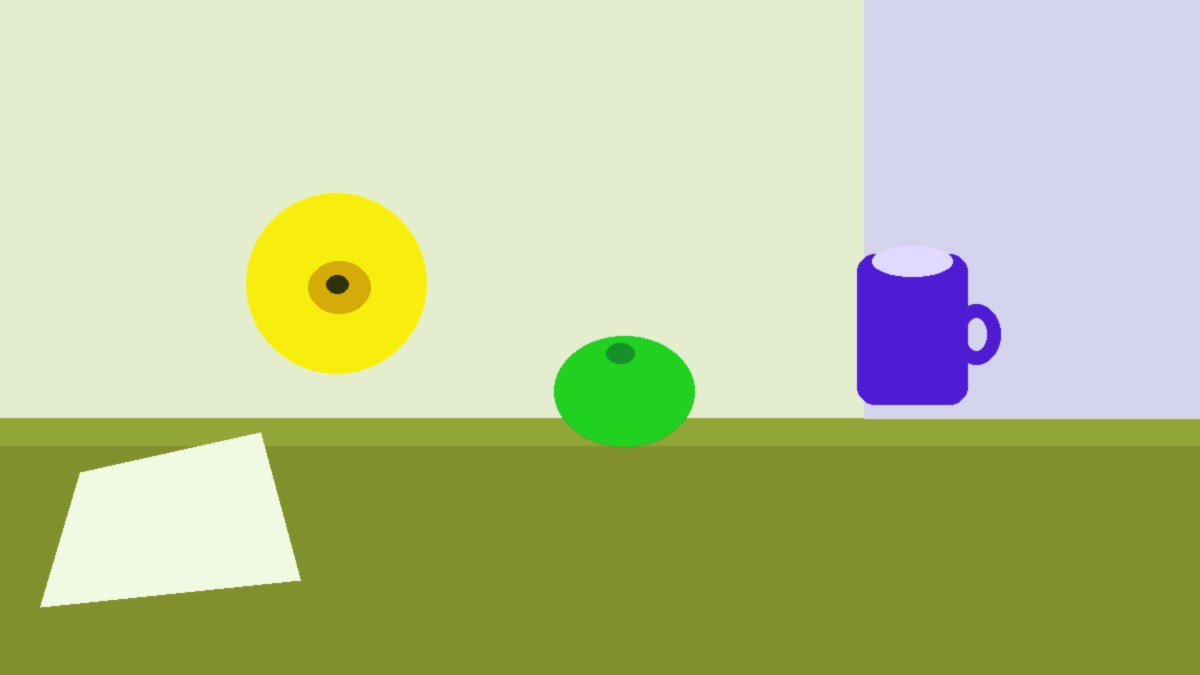
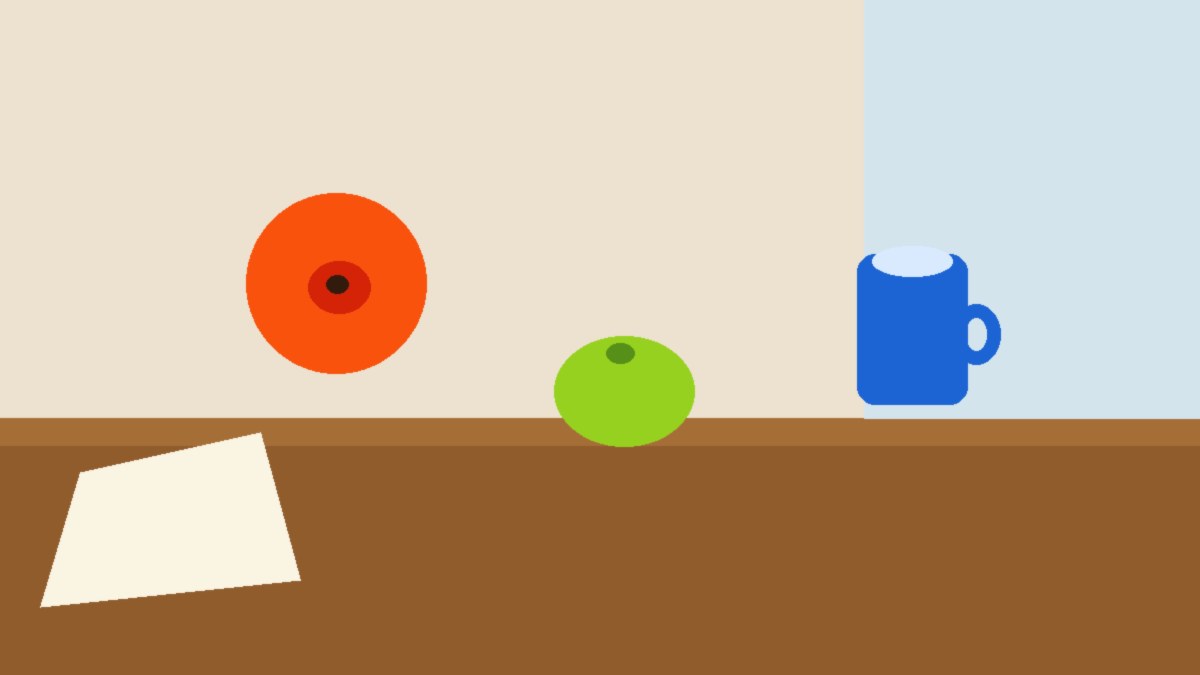
What you can do here
One photo is enough for a recolor image job, a hue changer pass, or an image color changer download. Warm, Cool, and Flip are three different hue values — not the same slider with new names.
Hue changer on the main card
Hue runs from −180 to 180 degrees. Amount is how much of that rotate to keep. Zero hue is the original wheel. Apply is already on.
Tint toward a color
Pick a swatch and raise Tint when you want an image color changer that leans the whole still toward one hue. It is not a click-to-select mask. Neutral gray does not pick up the tint.
Warm, Cool, Flip
Warm is a small orange shift. Cool is a small blue shift. Flip rotates every hue 180 degrees. You can still drag after a preset. Reset puts hue and tint back at zero.
Stays on this device
JPG, PNG, WebP, GIF, BMP, or AVIF. Each file under 40 MB, up to 30 photos. HEIC, TIFF, and PDF are declined. A side longer than 8000 px is scaled down before the pass so the tab stays usable.
How to recolor an image in 3 steps
Works on a phone or a computer. No account. Same path for recolor image online, hue changer online, and change color of image.
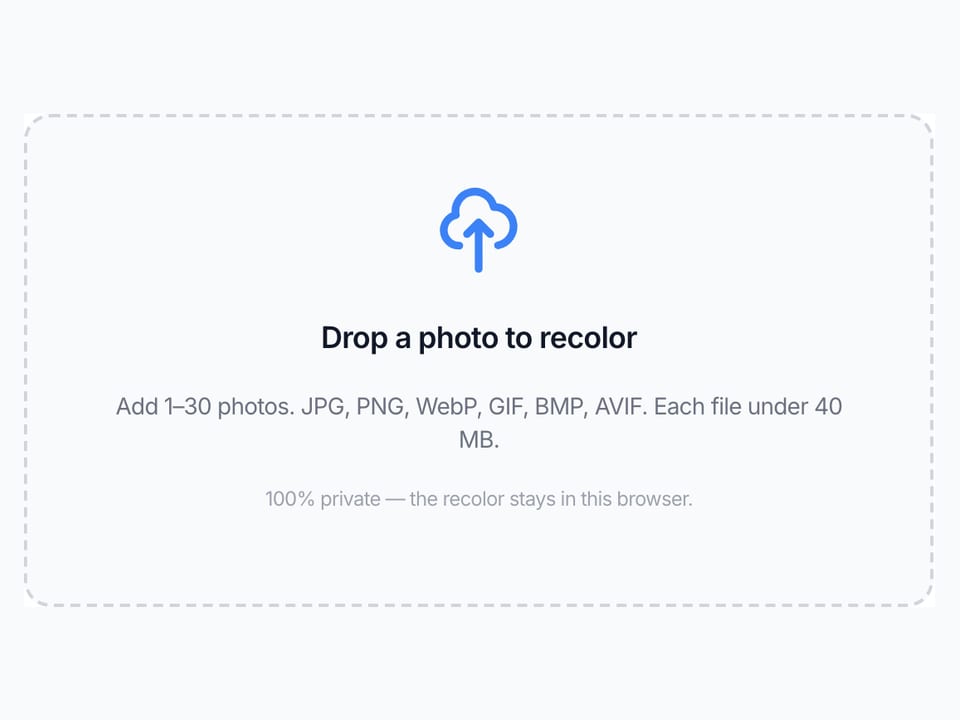
Add a photo
Drop a JPG, PNG, or WebP on the dashed box, or pick a file. One photo is enough. You can add more if you want the same hue on a batch.
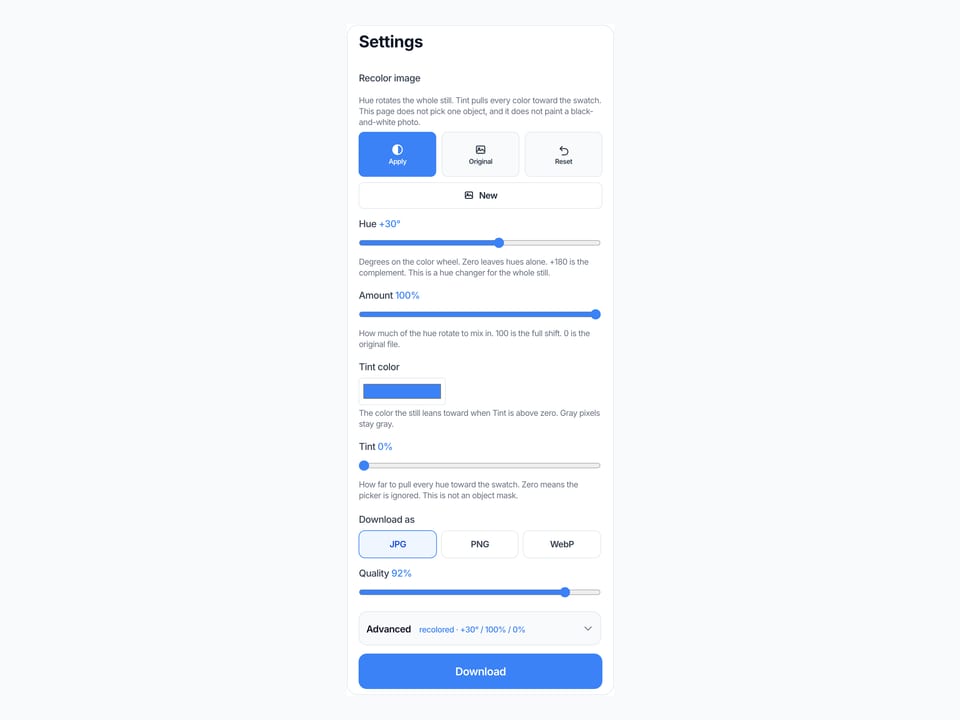
Drag hue, or pick a tint
Start with Hue if you want a hue shifter. Use the swatch and Tint if you want the still to lean toward one color. Original shows the file without changing the download until you Apply again.
Download the recolored file
View it here, copy it, or download JPG, PNG, or WebP. Two or more photos download as a ZIP with the same hue and tint on each file.

Why recolor here
This page only moves hue on a still. Recolor image, hue changer, hue shifter, and image color changer are the same canvas job in the search box.
No upload
The file never goes to our server to finish the recolor image job. Closing the tab clears it from this page. That is the same privacy rule as Adjust Image and the rest of this site.
The preview is the download
You do not press Convert, then wait, then guess which file came back. What you see in the preview is what you save. Identity shows the filename, pixels, and the hue values.
Honest about other apps
We do not walk you through Photoshop, Illustrator, Canva, Figma, or Affinity. If you need a vector recolor or a layer mask, use those apps. If you need a hue-shifted JPG now, use this box.
Not AI and not tone
Object recolor, clothes recolor, and black-and-white colorize are a different product. Brightness and saturation stay on Adjust Image. Invert Image Colors is the negative. This URL stays a hue page.
Limits and tips
- Hue moves every color the same number of degrees. A red shirt and a green wall both move. That is a hue changer, not a click-one-object tool.
- Tint leans hues toward the swatch. It does not paint gray into a full-color scene. A black-and-white scan stays a tinted gray.
- Amount only mixes the hue rotate. Tint has its own slider. Reset clears both.
- Warm, Cool, and Flip are starting hues. You can still drag after you tap one.
- Brightness, contrast, and saturation are on Adjust Image. Do not expect those knobs here.
- Each file must stay under 40 MB. A side longer than 8000 px is scaled down before the pass.
- HEIC from iPhone, TIFF, and PDF are rejected. Save a JPG or PNG first.
- You own the photo you add. This page is not legal advice and does not grant a copyright license.
Jobs that finish on this page
These are whole-image hue jobs. Object-pick, clothes, and old-photo colorize searches stay off this list.
Shift a product still on the wheel
A listing photo that needs a cooler or warmer cast. Drag Hue a little, leave Tint at zero, then View.
Input: One JPG photo
Setting: Warm or Cool, or Hue around +20 / −20
Output: One recolored JPG or PNG
Caveat: Every hue in the frame moves. Skin and the backdrop move together.
Tint a graphic toward one brand color
A colorful PNG that should lean teal or magenta. Pick the swatch, raise Tint, keep Hue near zero.
Input: One PNG graphic
Setting: Tint around 50–70 toward the swatch
Output: One tinted PNG
Caveat: Gray and near-gray pixels barely move. This is not a flood fill.
Same hue on a small batch
A folder of stills that should share one wheel offset. Add up to 30, keep Hue and Tint, download the ZIP.
Input: Several JPG files
Setting: Same hue, amount, and tint on all
Output: A ZIP of recolored files
Caveat: It is not a desktop folder watcher or a 100-file factory.
Recolor here, or use a neighbor tool?
Use this page
Hue changer and whole-image tint
Use this URL to recolor image, run a hue shifter, or use an image color changer on the whole still. The preview is the file. We do not click one sleeve or invent color on a gray photo.
Use a related tool
Tone, invert, mosaic, or cut tiles
Need brightness, contrast, or saturation instead of hue? Use Adjust Image . Need a color negative? Use Invert Image Colors . Need mosaic blocks? Use Pixelate Image . Need a left-right mirror? Use Flip Image . Need Instagram tiles? Use Split Image . None of those pages recolor image.
Recolor image FAQ
How do I recolor an image online? +
Add a JPG, PNG, or WebP. Drag Hue, or pick a tint color and raise Tint. The preview is the recolored file. Download JPG, PNG, or WebP. You do not need an account. This is a free recolor image online tool in the tab.
Is this a hue changer and a hue shifter? +
Yes. Hue is the hue changer: every pixel rotates the same number of degrees. People also type hue shifter, hue shift, and change hue of image. Those are this slider. We did not open a second URL for the same wheel.
Can I change the color of an image here? +
Yes, for the whole still. Image color changer, change color of image, and change image color are this page when you mean a hue rotate or a tint toward one swatch. We do not click one object and leave the rest alone.
Is this recolor image online free, with no login? +
Yes. There is no account wall and no watermark. Add a photo, drag hue or tint, download the file. We do not upload the photo to finish the recolor image job.
Does this use AI to recolor one object or clothes? +
No. Searches like recolor image AI, recolor clothes, or change one object want a model that masks a jacket or a wall. This page only runs local pixel math on the whole still. We will not slap “AI” on a hue slider.
Can I colorize a black-and-white photo here? +
No. Colorize image in that sense means inventing color on a gray scan. Tint on a gray photo only washes it. If you need a named gray convert the other way, use Grayscale Image.
How do I recolor an image in Photoshop, Illustrator, Canva, Figma, or Affinity? +
This page does not open those apps. Those searches want a menu in that software. If you already have a JPG or PNG export, drop that file here to recolor image online and download a new still. We will not pretend this URL is their tutorial.
What is the difference between hue and tint on this page? +
Hue rotates every color around the wheel by the same degrees. Tint pulls existing hues toward the swatch you pick. Amount only mixes the hue rotate with the original. Reset clears hue and tint.
Does this change brightness, contrast, or saturation? +
No. Those knobs are on Adjust Image. This URL stays a hue changer. Invert Image Colors is the negative. Sharpen Image is the edge tool.
What formats can I recolor? +
JPG, PNG, WebP, GIF, BMP, and AVIF. Each file must stay under 40 MB. HEIC, TIFF, PDF, and SVG are rejected. Convert those to JPG or PNG first, then add the converted file to this recolor image tool.
Can I download a PNG or keep transparency? +
Yes. Add the PNG, leave Apply on, and pick PNG under Download as. Transparent pixels stay transparent. JPG fills those pixels with white because JPEG has no alpha channel. There is no PSD or vector export.
Can I recolor more than one image at once? +
Yes. Add up to 30 photos. The same hue, amount, and tint apply to each file. Download one, or download all as a ZIP. It is not a desktop folder watcher or a 100-file factory.
What do Warm, Cool, and Flip do? +
Warm is a small shift toward orange. Cool is a small shift toward blue. Flip is a 180 degree hue rotate. They are starting hues, not locked looks. You can still drag after you tap one. Reset clears them.
Can I recolor a video, a GIF animation, or use a text prompt? +
No. Video, animated GIF, and prompt searches are a different job. This recolor image tool only accepts stills. A GIF is read as one frame. There is no text prompt and no timeline.
Is this legal, and who owns the photo? +
You keep the rights to the file you add. We do not store it and we do not give you a copyright license for someone else’s picture. This is not legal advice. If the photo is not yours to edit, do not use this recolorer on it.
Ready to recolor image online
Add a photo above. Drag hue or pick a tint. Download when the colors look right.
Recolor image