LinkedIn Banner Size Online Free
Drop a photo, crop the LinkedIn banner size LinkedIn Help lists for a personal background photo — 1584×396 — then download the file. Switch to Company Page cover 1512×256 when the file is for a Page. The preview is what you save. Nothing is uploaded.
Drop a photo for a LinkedIn banner
JPG, PNG, WebP, GIF, BMP, or AVIF. One photo at a time.
100% private — the LinkedIn banner size crop stays in this browser.
Personal LinkedIn banner size starts at 1584×396. After the photo opens, drag it and use Zoom.
LinkedIn banner
Drag the photo to reposition. Zoom in to crop tighter. The circle marks where your profile photo sits.
Size
Output size
Resize Template
Download as
1584×396
Personal LinkedIn banner size
1512×256
Company Page cover
In-browser
No upload, no account
Also on this site: Image Resizer · YouTube Banner Resizer · TikTok Banner Splitter · Crop Image · Split Image
What this LinkedIn banner size tool does
A LinkedIn banner size tool takes one photo and writes a file at the pixels LinkedIn lists for the background photo on a personal profile. That default is 1584×396, a 4:1 strip. The blue frame stays put. You drag the photo underneath and use Zoom so a skyline, a product, or a face sits in the part of the strip that still shows after the round profile photo covers the lower left.
The same page also switches to a Company Page cover at 1512×256, a profile photo at 400×400, a logo at 400×400, a landscape link post at 1200×627, an event cover at 1776×444, a newsletter cover at 1280×720, or a Life tab image at 1128×376. Open Resize Template and the list still has YouTube Banner, Facebook Cover, X Banner, and the rest — each card is a width and height, not a Canva file.
The picture stays in this tab. JPG, PNG, and WebP come off the preview. This is not a live check of LinkedIn, and it does not publish the banner for you.
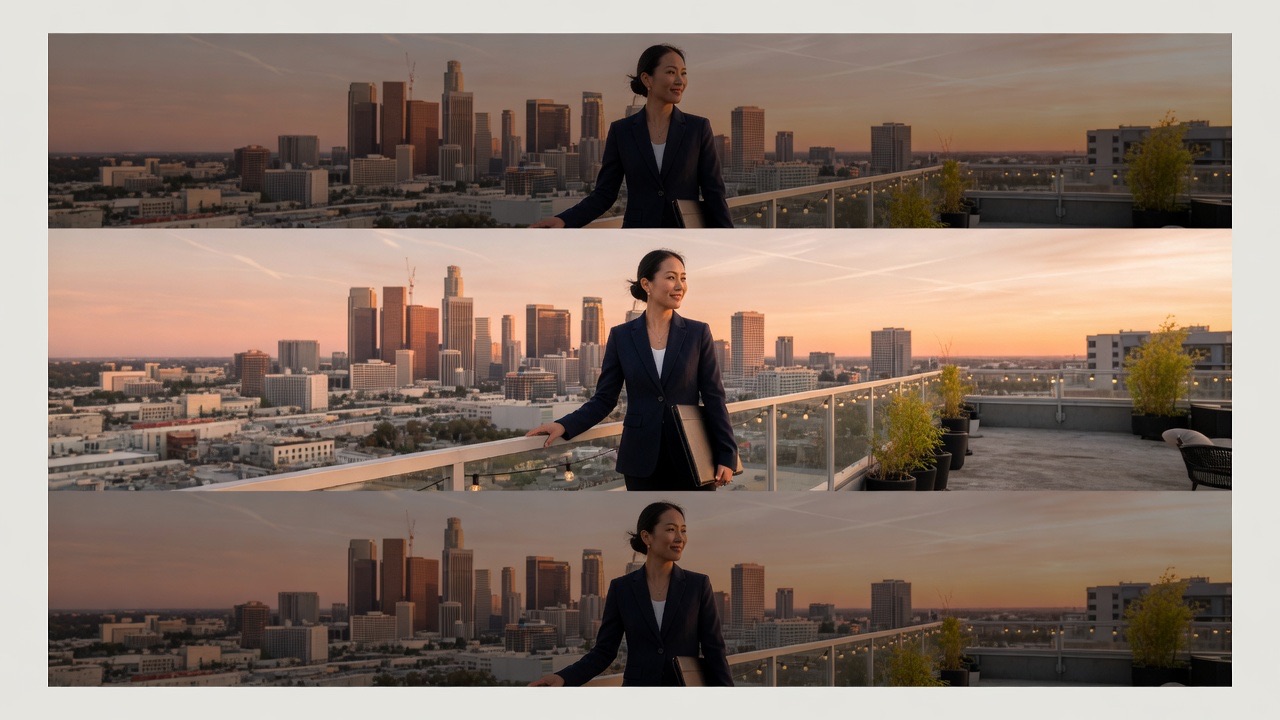
LinkedIn banner size, company cover, and the overlap
LinkedIn Help lists the personal background photo — the LinkedIn banner size most people mean — as 1584 pixels wide and 396 pixels tall, PNG or JPG, under 8 MB, with no GIF. That 4:1 file is what you upload on your profile. A phone crops the sides of the same file, and the round profile photo sits over the lower left, so names and logos belong in the right two-thirds and the vertical middle.
A Company Page cover is a different shape. Live LinkedIn Help (October 2026) lists 1512×256 as both the minimum and the recommended cover, PNG or JPEG, under 3 MB. Guides that still print 1128×191 or 4200×700 are repeating older Page specs. The Life tab main image stays 1128×376. Keep type away from the edges, especially the lower right, because LinkedIn may trim the cover to fit a screen.
After the photo is in the tab, open Size, then Resize Template. Stay on the LinkedIn row and scroll the cards. Company Cover, profile photo, company logo, landscape link post, feed post, article cover, event cover, newsletter cover, and Life tab are already in that list. Those cards change the crop ratio so you do not have to type pixels. The LinkedIn banner size default stays 1584×396 until you pick another card.
These are the LinkedIn sizes already in Size. Scroll the LinkedIn row to pick one.
| LinkedIn card | Pixels | Use |
|---|---|---|
| Personal Banner | 1584×396 | Profile background photo (default, 4:1) |
| Company Cover | 1512×256 | Company Page header |
| Profile Photo | 400×400 | Round profile picture |
| Company Logo | 400×400 | Page logo square |
| Landscape / Link Post | 1200×627 | Link preview / landscape share |
| Post | 1200×628 | Feed image post |
| Article Cover | 1920×1080 | Long-form article header |
| Event Cover | 1776×444 | Event page header |
| Newsletter Cover | 1280×720 | Newsletter header |
| Life Tab | 1128×376 | Company Life tab image |
Banner controls
One photo, a list of official LinkedIn pixels, a fixed frame you drag the photo in, a file you can take.
1584×396 by default
The crop box opens at the personal LinkedIn banner size LinkedIn Help recommends for a background photo. The circle on the frame marks where your profile photo will sit so you can keep type out of that corner.
Company cover and other LinkedIn cards
Company Cover is 1512×256. Profile and logo cards are 400×400. Landscape, post, article, event, newsletter, and Life tab sit on the same LinkedIn row — open Size and scroll that row. YouTube, Facebook Cover, and X Banner stay in the template list when the same photo has to go elsewhere.
Drag the photo and Zoom 100–300%
The frame stays still. You move the photo under it and raise Zoom to crop tighter. For a personal banner, keep faces and logos toward the right and the middle of the 1584×396 strip.
Download in this tab
JPG, PNG, or WebP. The preview is the file. Nothing is sent to a server before you save it. LinkedIn still wants PNG or JPG under the MB cap when you upload there.
How to crop a LinkedIn banner size
Three moves. The crop updates as soon as you pick a size.
Add the photo
Drop a JPG, PNG, or WebP, browse for it, or paste it. A wide landscape is easier to fit into 1584×396 than a tall phone selfie.
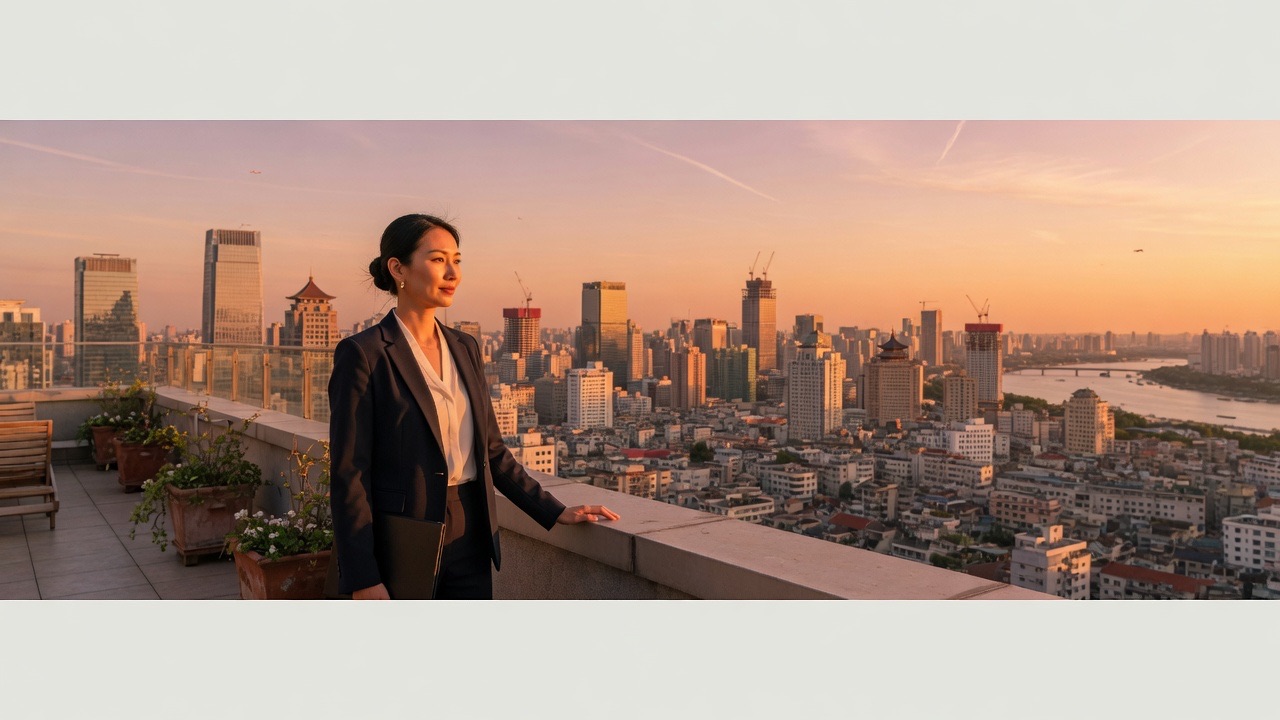
Pick a size and crop
Stay on LinkedIn Personal Banner for 1584×396, or open Size → Resize Template, stay on LinkedIn, and scroll to Company Cover 1512×256, a profile photo, a post, an article cover, or another LinkedIn card. Drag the photo under the blue frame and use Zoom. Watch the circle on a personal banner.
Download the file
Save JPG or PNG. For a personal banner, upload that 1584×396 file from your profile camera icon. This page does not log you into LinkedIn.
Why crop the LinkedIn banner size here
LinkedIn will crop the file again on phone and desktop. Seeing that crop before you upload saves a round trip on the profile.
You see the profile-photo overlap
The round photo covers the lower left of a personal LinkedIn banner size. The overlay on this crop shows that circle so a name or a URL is not hidden behind your face.
Personal and Page sizes stay separate
1584×396 is not 1512×256. A file made for your profile will squash on a Company Page. Pick the card that matches where the file will go.
No account
There is no signup, no watermark, and no credit charge for another photo.
Private on this device
The resize runs in the browser. Close the tab and the photo is gone with it.
Tips and limits
- On a personal LinkedIn banner size, keep type and logos in the right two-thirds and the vertical middle of 1584×396. The lower left is for the profile photo. A phone also trims the left and right edges.
- A vertical phone photo can still fill 1584×396, but most of the top and bottom will be cropped away. A landscape source wastes less of the picture.
- LinkedIn Help refuses GIFs for the background photo. Export JPG or PNG. Keep a personal file under 8 MB and a Company Page cover under 3 MB. Image Compressor is the page if the file is still heavy.
- This page resizes still images. It does not open LinkedIn, does not animate a slideshow banner, and does not write a PSD or a Canva project.
Where this file gets used
Personal background photo first. The same photo can switch to a Company Page cover, a profile photo, or another platform size from the template list.
Personal profile banner
A 1584×396 LinkedIn banner size for the header behind your photo. Place the important part away from the lower left here, then upload the file on your profile.
Company Page cover
Switch to 1512×256 when the file is for a Page, not a person. Keep type off the edges. Older 1128×191 and 4200×700 numbers are not the live Help spec.
Posts, events, and other platforms
A landscape post is 1200×627. A feed post is 1200×628. An article cover is 1920×1080. An event cover is 1776×444. A newsletter cover is 1280×720. Open Size, stay on LinkedIn, and scroll those cards. YouTube Banner, Facebook Cover, and X Banner are further down the same list. LinkedIn Personal Banner 1584×396 stays the default.
What this page will not do
This LinkedIn banner size page is not LinkedIn. It does not log in, does not publish, and does not read your profile. You take the file and upload it there.
It is not a generic pixel resizer for arbitrary documents. Image Resizer is the page for percentage scale and a bulk of photos. Crop Image is the page for a freeform box with no template. YouTube Banner Resizer is the page whose default is 2560×1440 channel art.
It does not export PSD, SVG, or video. It does not generate AI cover art from a prompt. A photo you already have is the input.
LinkedIn banner size questions
What is the LinkedIn banner size?
LinkedIn Help recommends 1584×396 pixels for the background photo on a personal profile, a 4:1 ratio, as PNG or JPG under 8 MB, with no GIF. That is the default this page writes. A Company Page cover is a different file: 1512×256.
What size is a LinkedIn company page cover?
Live LinkedIn Help lists the Page cover as 1512×256 pixels, PNG or JPEG, under 3 MB, and uses that figure as both the minimum and the recommendation. Switch to the Company Cover card to crop that shape. Do not reuse a 1584×396 personal file on a Page.
Is 1128×191 or 4200×700 still the company banner?
Those numbers showed up in older LinkedIn Page specs. 1128×191 is the older small cover at a similar wide ratio. 4200×700 was a later recommended upload. The live Help page now lists 1512×256. This tool defaults the Company Cover card to 1512×256.
What is the LinkedIn banner size in pixels?
1584 pixels wide by 396 pixels tall for a personal background photo. Company Cover is 1512 by 256. Profile photo and company logo cards are 400 by 400. The download filename includes those pixels so you can check the file before you upload it.
What is the LinkedIn banner size ratio?
A personal banner is 4:1. A Company Page cover is about 5.9:1 (1512×256). Mixing those ratios is why a profile banner looks squashed on a Page. Pick the card that matches the place the file will live.
Does a LinkedIn banner size in inches or cm matter?
LinkedIn counts pixels, not print inches. 1584×396 at 72 or 96 dpi is still 1584×396 on the profile. This page writes pixels. If you need a print sheet, Split Image for Printing is the other job.
Is this LinkedIn banner size crop free?
Yes. There is no account, no watermark, and no charge to crop a photo and save it. You can open another picture after the first one. Credits on this site are for the paid AI tools, not for this resize.
Does the photo get uploaded?
No. The crop runs in this tab. The picture is not sent to a server before you download the file. Close the tab and the bytes leave with it.
Can I make a Company Page cover here too?
Yes. After the photo opens, open Size then Resize Template. Stay on LinkedIn and scroll. Company Cover is 1512×256. Profile photo and company logo are 400×400. Landscape / link post is 1200×627. Post is 1200×628. Article cover is 1920×1080. Event cover is 1776×444. Newsletter cover is 1280×720. Life tab is 1128×376. The personal LinkedIn banner size 1584×396 stays selected until you change the card.
Does LinkedIn accept a GIF banner?
LinkedIn Help says the background photo must be PNG or JPG and that GIFs are not supported. You can drop a GIF here and the first frame can be cropped, but save JPG or PNG for the upload. Company covers are PNG or JPEG under 3 MB.
Will my LinkedIn banner look different on mobile?
Yes. LinkedIn keeps one 1584×396 file and crops it. A phone trims the left and right, and the profile photo still covers the lower left. Keep names and logos in the right two-thirds and the vertical middle of the same file.
Can I type a custom size?
Yes. Open Custom and type width and height in pixels, up to 8192 on a side. The crop box follows that ratio. For LinkedIn itself, stay on the official cards so the file matches Help.
Can I resize for YouTube, Facebook, or X here too?
Yes. After the photo is open, Resize Template has YouTube Banner, Facebook Cover, X Banner, Instagram, Twitch, Discord, and other pixel cards. The LinkedIn banner size 1584×396 is the default. Pick the card that matches where the file will go.
LinkedIn Banner Size
Drop a photo, crop 1584×396 for a personal banner, or switch Company Cover 1512×256, and download the file from this tab.
Crop a LinkedIn banner