Overlay Images Online Free
Overlay images online in this tab. Add a base photo, place another image on top, drag it, and set opacity. Download PNG, JPG, or WebP. Nothing is uploaded.
Settings
Layers
100% is solid. Drag left to let the base photo show through.
Output format
JPG fills transparency with white. Use PNG or WebP to keep a see-through overlay.
More options
Normal sits on top. Multiply, Screen, and Overlay mix the two photos.
Need photos side by side or in a grid instead of stacked?
Merge ImagesAlso on this site: Split Image · Merge Images · Image Compressor · AI Image Upscaler
What is this overlay images tool?
This overlay images page stacks one picture on another in the browser. You add a base photo, add the overlay image, drag it, set how solid it is, and download one file. People type overlay images, overlay image, overlay two images, overlay images online, or overlay images online free. Superimpose images and blend images online are the same job under other names.
Overlay images is not a side-by-side join. Merge Images puts photos next to each other or on a grid. This URL puts one file on top of the other. It is also not Photoshop, Canva, PowerPoint, Word, ImageJ, CapCut, or an iPhone shortcut lesson. Those searches want a menu in another app. It is not a CSS overlay, an OBS stream overlay, or a QEMU disk image.
The files never go to our server. JPG, PNG, WebP, GIF, BMP, and AVIF are welcome. A transparent PNG keeps its holes, which is how a logo or watermark sits cleanly on a photo. HEIC, TIFF, and PDF are declined on purpose. Text stickers, stock libraries, and AI scene inventing stay off this page.
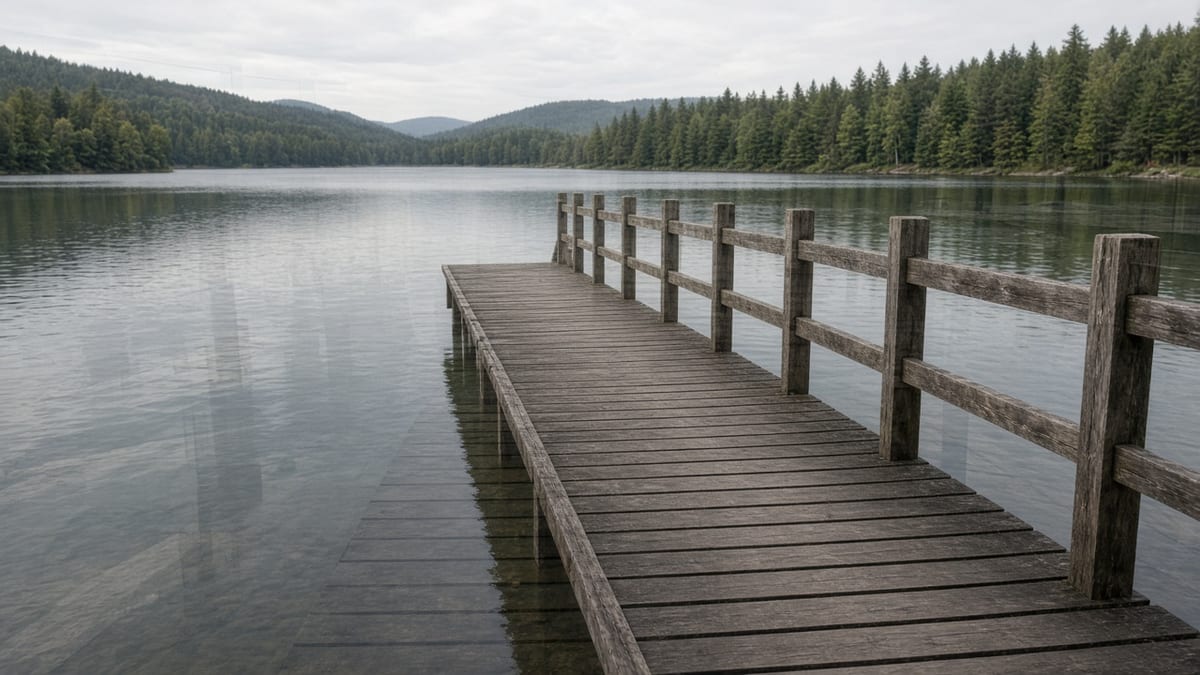
What you can do here
Add two photos and the overlay images preview is already the file. Drag, fade, or blend. Download PNG, JPG, or WebP.
Base photo, then the overlay
Two slots sit on the first screen. The left file is the canvas. The right file sits on top. Overlay images covers overlay two images and add overlay image without a project file or a signup wall.
Drag, scale, and fade
Move the overlay on the live overlay images preview. Corner handles change the size. The opacity slider is always in the settings card. 30–50% is a quiet watermark. 100% is a solid stamp.
Blend modes when you need them
More options holds Normal, Multiply, Screen, Overlay, Darken, Lighten, and Soft light. Blend images online here still means the two files you added, not a filter farm or a film stock pack.
More than two layers
Add another overlay up to five on one base. Overlay images keeps each layer’s opacity, blend, and place. That is enough for a logo plus a texture. It is not a Photoshop document.
PNG, JPG, or WebP on this device
PNG keeps overlay transparency. JPG is smaller for photos and fills empty pixels with white. WebP sits between the two. The overlay images run uses canvas in this tab.
How to overlay images in 3 steps
No account. No installer. Overlay images online: add the base, add the top file, take the download.
Add the two photos
Drop the base image, then the overlay image. A transparent PNG is the usual logo or watermark file. Use Change base if the first pick was the wrong still.
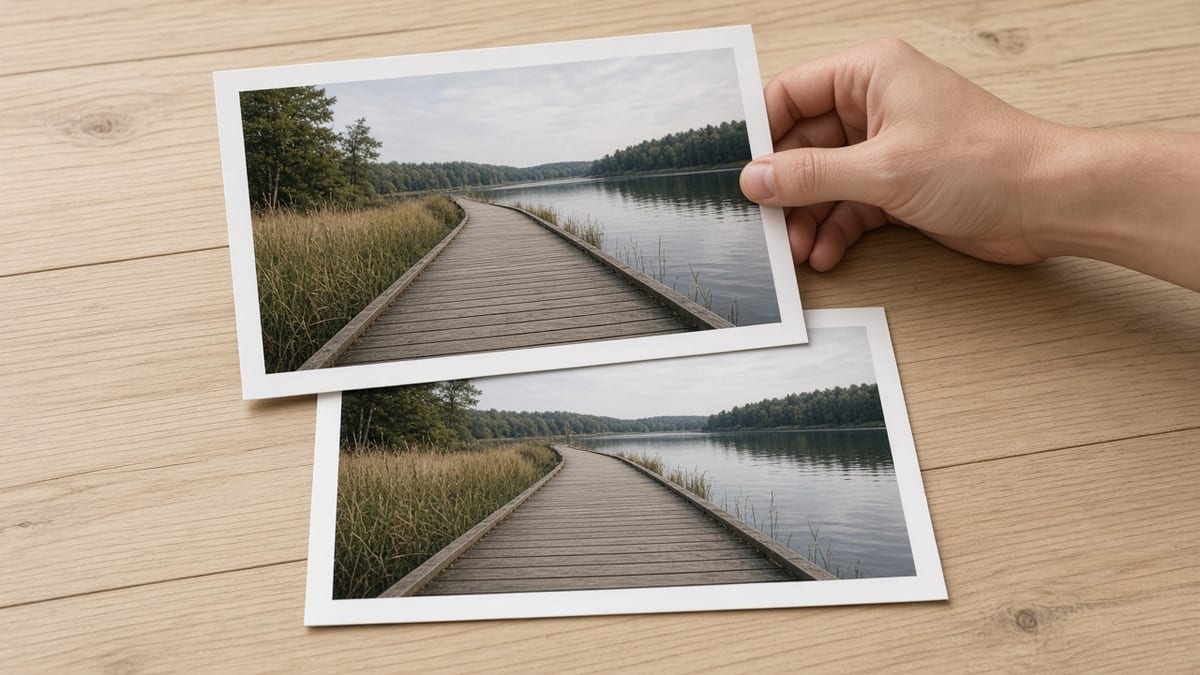
Place the overlay
Drag the top photo on the overlay images preview. Scale it, fade the opacity, and open More options if you need a blend mode or a flip. The preview updates as you move it.
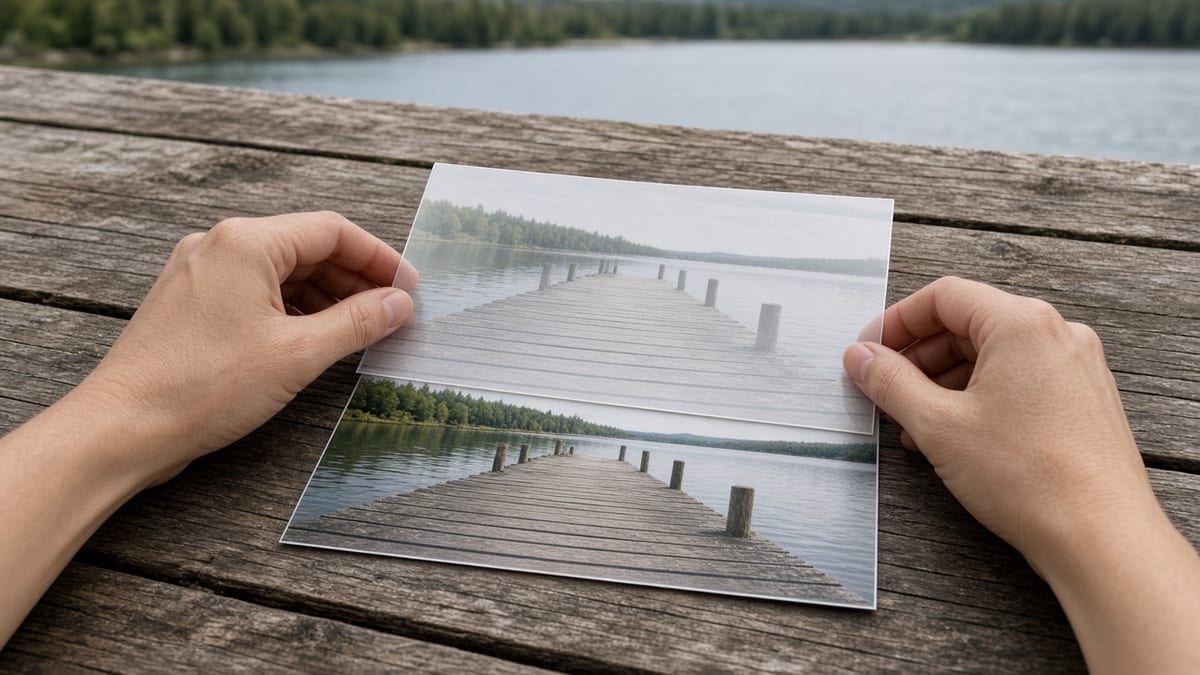
Download the file
Read the filenames and pixel size on the result card. Choose PNG, JPG, or WebP, then Download. View opens the same file in this page. Copy puts a PNG on the clipboard when the browser allows it.
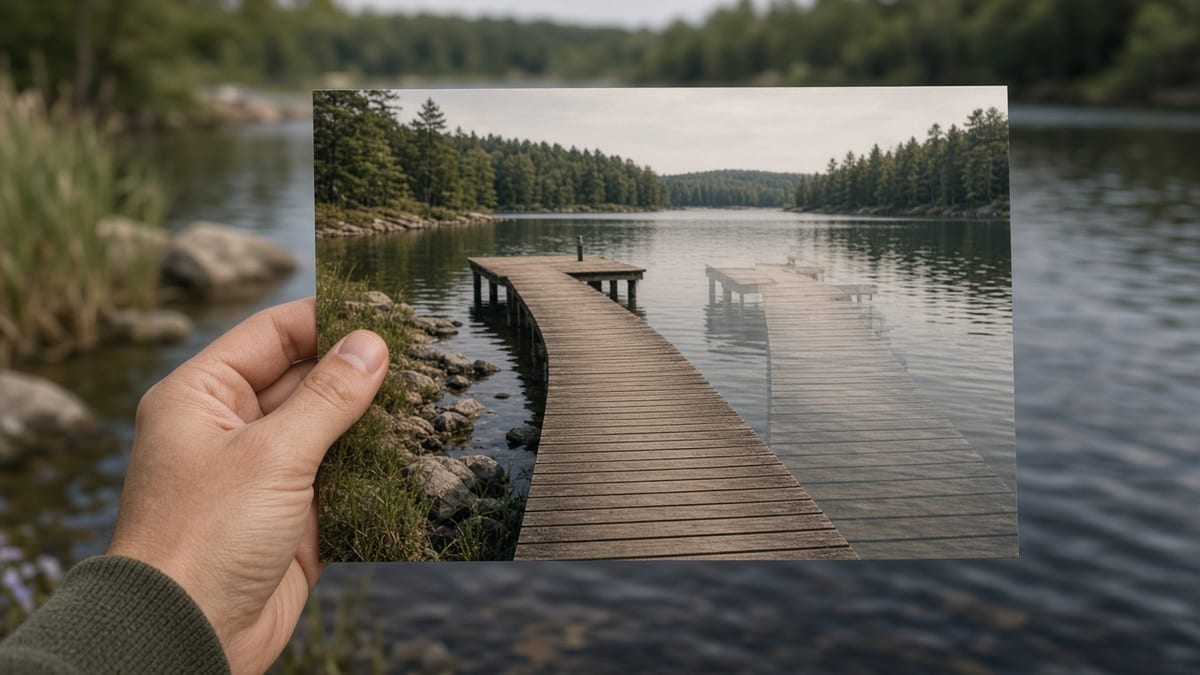
Why overlay here
The overlay images preview is the file. Nothing is uploaded, and the sister merge page stays one click away if you wanted a strip instead.
The preview is the download
Two files in and you already see the stack. There is no extra Render click and no waiting on a cloud queue. Overlay images online means this tab finishes the pixels.
Private by default
The overlay images canvas never posts the photos. A client proof, a watermarked portfolio still, or a private screenshot stays on this device.
Honest about the neighbor job
If you wanted two photos side by side, that is Merge Images. This page will not pretend a stack is a collage. The settings card links to the merge URL.
No account in the path
There is no signup wall, watermark, or export quota. If the browser can decode the files, you can overlay images and take the result with you.
Limits and tips
- Watermark: Use a PNG with a transparent background. Set opacity to about 35% and park the mark in a corner. Scale it down so it does not cover the subject.
- Double exposure: Two photos of the same scene at 40–60% opacity, or try Multiply / Overlay in More options. Blend images online here still uses the files you added.
- Logo on a product: Add the product shot as the base, the logo as the overlay, and keep Normal blend. PNG keeps the logo edge. JPG will put white behind any hole.
- Cap: Five overlays sit on one base so the tab stays alive. Extra files stay out until you remove one. The long edge stops at 8000 px.
- Format: After you overlay images, pick PNG when the top file has holes. Pick JPG for a smaller photo. WebP keeps some transparency and a smaller size.
- Not this page: Text on a photo, a Canva template, an OBS webcam overlay, a CSS hero, Photoshop layers, or a side-by-side join. Those jobs live elsewhere.
Recipes that finish on this page
Each card is a real input, a setting, and the file you should get.
Logo on a product photo
A shop shot gets a mark in the corner without opening a design file. Overlay images keeps the logo on top of the still you already have.
Input: A product JPG and a logo PNG with a transparent background
Setting: Normal blend, 100% opacity, scale the logo down, drag it to a corner
Output: One PNG with the logo sitting on the photo
Caveat: JPG download fills logo holes with white. Stay on PNG if the mark needs a clean edge.
Quiet watermark on a portfolio still
Photographers type overlay images when they want a name mark that does not hide the frame. Fade it and keep it small.
Input: A camera JPG and a small PNG signature or wordmark
Setting: Normal blend, 30–45% opacity, bottom-right
Output: One JPG or PNG with a faded mark
Caveat: A huge mark at 100% is a stamp, not a watermark. Scale it first.
Two photos as a double exposure
Overlay two images of the same place, or a portrait plus a texture, and let the base show through. Superimpose images is this card.
Input: Two JPG photos you already shot
Setting: 40–60% opacity, Overlay or Multiply blend, scale to cover the base
Output: One JPG that reads as one frame
Caveat: Unrelated travel photos will look like a stack, not a blend. Use the same light if you can.
Texture over a flat graphic
A paper, grain, or light leak PNG on a poster still. Overlay images is enough when you do not need type or stock.
Input: A flat PNG graphic and a texture PNG
Setting: Soft light or Overlay blend, 40% opacity, scale to fill
Output: One PNG or WebP with the texture sitting on the graphic
Caveat: This page does not add text. Set type somewhere else, then bring the two files here.
Overlay images FAQ
How do I overlay images online? +
Add the base photo, then the overlay image. Drag the top file on the preview, set opacity, and download PNG, JPG, or WebP. Overlay images online runs in this tab. The files are not uploaded.
How do I overlay two images online? +
The first slot is the base. The second slot is the overlay. Overlay two images this way, then move the top photo until it sits where you want. That is the whole overlay images path — there is no extra project.
Is this overlay images tool free? +
Yes. Overlay images is free, with no watermark and no export quota. If the browser can decode the files, you can stack them and take the result with you. There is no paid unlock on this page.
Are my images uploaded to a server? +
No. Overlay images reads both files in this browser and draws them on a local canvas. Closing the tab clears the pixels. Nothing is stored as a hosted copy on our side.
Do I need an account, app, or browser extension? +
No account and no extension. This page is the overlay images tool. Chrome, Safari, Firefox, and Edge on a phone or a desktop can run it. An Android or iPhone app search is a different product.
Does overlay images work on iPhone or Android? +
Yes. The same two slots and settings card wrap to one column on a phone. Add photos from Files, drag the overlay, then save the file. Overlay images online free still means this page, not a store listing.
What file formats can I add and download? +
Add JPG, PNG, WebP, GIF, BMP, or AVIF. Download PNG, JPG, or WebP. PNG keeps a transparent overlay. JPG fills holes with white. HEIC, TIFF, and PDF are declined. There is no PSD.
Can I overlay a logo or watermark on a photo? +
Yes. Use the photo as the base and a transparent PNG as the overlay image. Fade opacity for a watermark, or leave it solid for a logo. Overlay images does not invent a mark — you bring the file.
Can I overlay more than two images? +
Yes. After the first overlay sits on the base, use Add another overlay. Overlay images allows five overlays so the tab stays usable. Each layer has its own opacity, blend, and place.
How do I blend images online on this page? +
Open More options and pick a blend mode. Multiply darkens. Screen lightens. Overlay and Soft light mix contrast. Blend images online here still uses the two files you added. It is not an AI restyle.
What does superimpose images mean here? +
Superimpose images is another name for overlay images: one photo sits on another. Add both files, fade or blend, and download one frame. It is not a green-screen studio and not a film compositor.
How is overlay images different from merge images? +
Overlay images stacks files. Merge Images joins them side by side, stacked in a strip, or on a grid. If you wanted a before-and-after pair on one row, use the merge page. If you wanted a logo on a photo, stay here.
Can I add text on the overlay? +
No. This page only places image files. Type belongs in another editor. Overlay images will not pretend a text box is a photo layer. Make the type as a PNG, then add that PNG as the overlay.
Can I overlay images in Photoshop, Canva, or PowerPoint here? +
No. Those names are other apps. This overlay images page does not open a .psd, a Canva project, or a Word or PowerPoint file. Use those programs if you need their menus. Use this URL to stack two photos in the browser.
Does it work with a transparent PNG? +
Yes. Overlay images keeps transparent pixels on a PNG overlay, which is why logos and watermarks look clean. Download PNG or WebP if you need those holes in the result. JPG will fill them with white.
Can I download the overlay images result? +
Yes. The result card shows the filenames and the pixel size. Download saves PNG, JPG, or WebP. View opens the same file in this page. Copy puts a PNG on the clipboard when the browser allows it.
Ready to overlay images
Add a base photo and an overlay on this page, drag the top file, and download PNG, JPG, or WebP.
Overlay images now