Merge Images Online Free
Merge images online into one file here. Side by side, stacked, or a grid. Download JPG, PNG, WebP, or a one-page PDF. 100% private — nothing is uploaded.
Drag & drop images
Add 2–30 photos. JPG, PNG, WebP, GIF, BMP, AVIF.
100% private — merging stays in this browser.
Settings
Horizontal is one row. Vertical is one column. Grid lets you set columns across and rows down.
Columns (across)
Rows (down)
Layout sketch
More options
Match heights shares one height. Match widths shares one width. Crop to fill trims edges. A square cell letterboxes. Keep original sizes leaves each photo as-is.
Shows in the gap, border, and empty cells.
Need tiles instead? Split the merged file on the homepage.
Split ImageNeed tiles instead? Split Image · Image to Printable PDF · Image Compressor · AI Image Upscaler
What is this merge images tool?
This merge images page joins several pictures into one file. You add the photos, pick a strip or a grid, and download a single image. People type merge images, combine images, merge photos, picture merge, or photo merge — the job is the same.
A photo joiner or image merger is the same canvas under another name. Bulk image merge here still means one tab and one download, not a cloud queue. After you merge image files you pick JPG, PNG, WebP, or a one-page PDF. A multi-page images-to-PDF binder or a video stitcher is a different job — the FAQ says so in plain words.
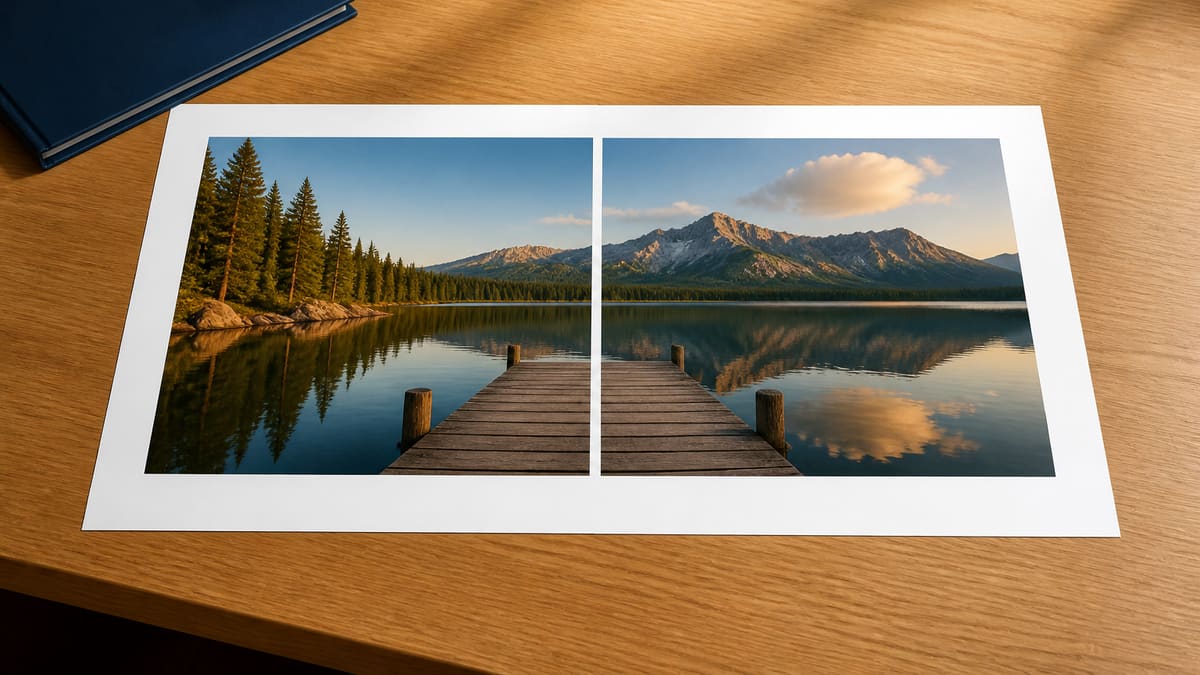
What you can do here
Drop photos, pick horizontal, vertical, or a grid, then take one file. The merge images preview is the result — there is no extra merge click.
Side-by-side or stacked
Horizontal merge images puts two or more photos on one row. Vertical stacks them. That covers merge 2 images, merge 3 images, and a long screenshot strip without a collage editor.
Grid for four or more
Grid lets you set columns across and rows down. Merge four images into one 2×2, or keep six on a 2×3 board. Empty cells stay the background color.
Match heights, crop, or keep size
Match heights shares one height. Match widths shares one width. Crop to fill trims edges for even cells. Fit a square cell letterboxes. Keep original sizes leaves each photo as-is.
JPG, PNG, WebP, or a one-page PDF
The settings card is where you pick the merge images format. PNG or WebP keep a transparent gap. JPG is smaller for photos. PDF saves the same collage as one page, not a page per photo.
Stays on this device
The merge images run uses canvas in this tab. The files are not posted to our servers, so a private screenshot batch never becomes a hosted copy on someone else's disk.
How to merge images in 3 steps
No account. No installer. Merge images online: add photos, arrange them on the preview, take the file.
Add the photos
Drop two or more JPG, PNG, WebP, GIF, BMP, or AVIF files. Use Add more if the first pick missed a frame.
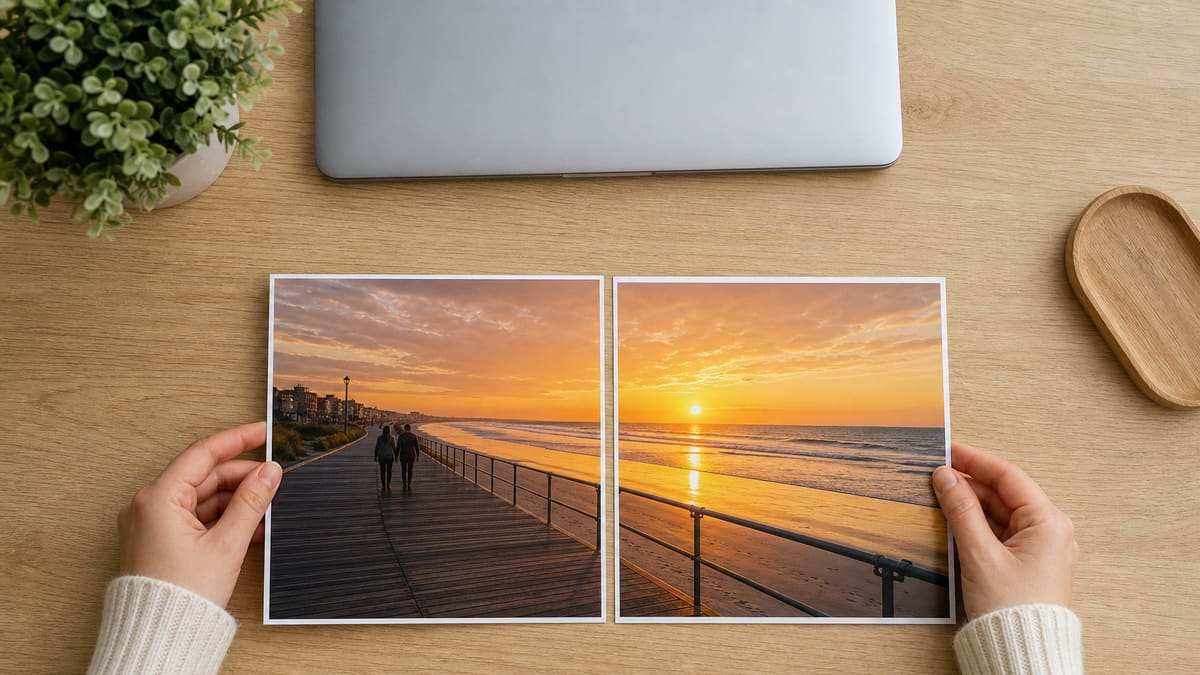
Arrange the photos
Pick Horizontal, Vertical, or a grid. On the merge images preview, drag one photo onto another to move it. The live picture updates as you do — there is no extra merge click.
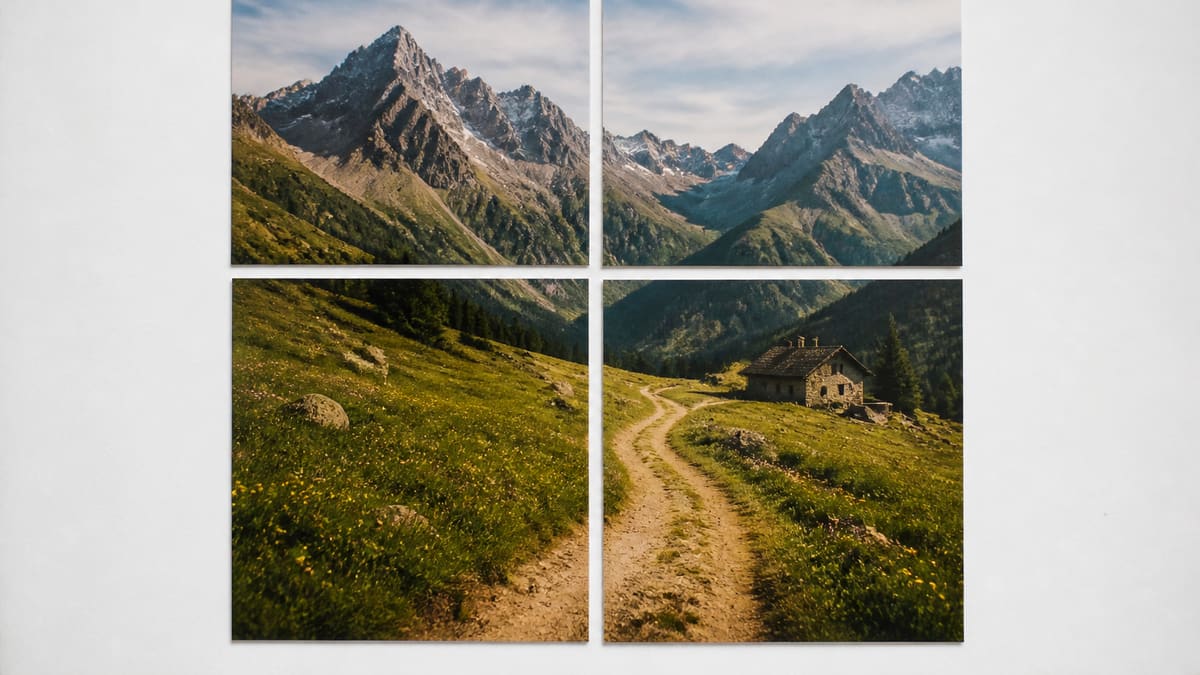
Pick a format and download
The preview is already the merge images result. Choose JPG, PNG, WebP, or PDF on the settings card, read the filename and pixel size, then Download. Copy works when the browser allows it.
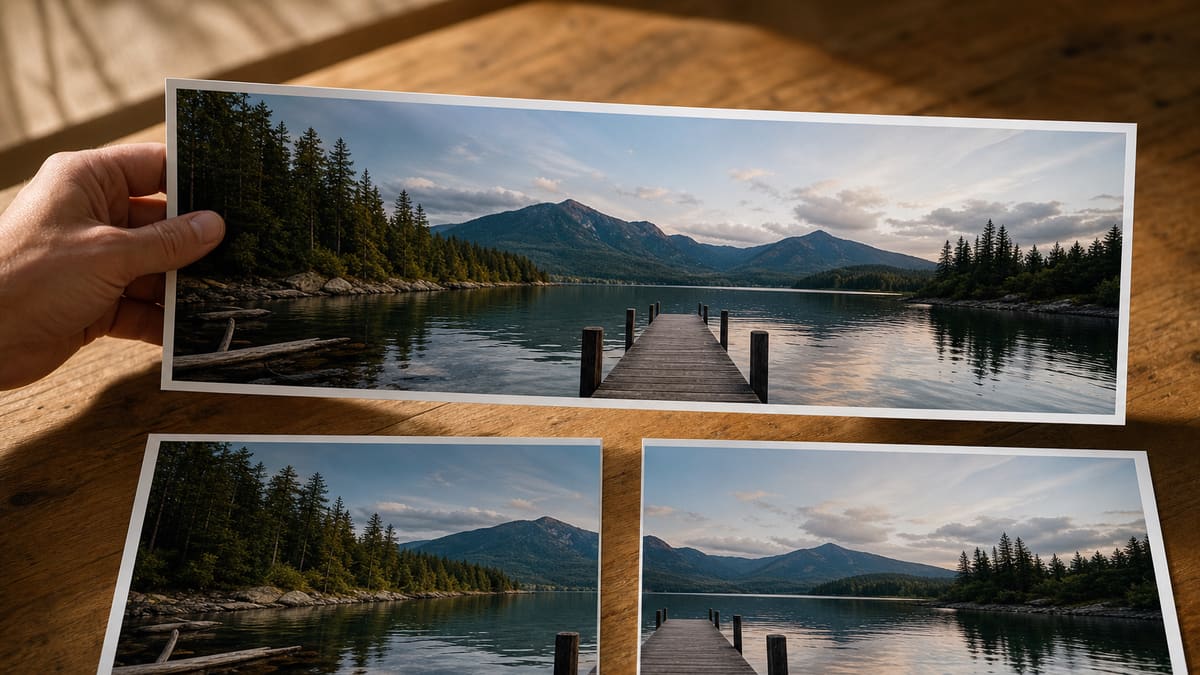
Why merge here
Add photos, arrange them, and leave with one file. The merge stays in this browser — no account, and no extra merge click.
One file instead of a folder
A before and after pair, a three-step screenshot, or a four-up grid leaves as one merge images file you can drop into chat, a ticket, or a slide.
The preview is the file
Two photos in and you already see the merged image. Drag one onto another to change the order. Pick JPG, PNG, WebP, or PDF, then download. There is no extra merge click.
Honest about PDF and video
You can merge images into a one-page PDF of the collage. That is still one picture on one page. A binder that puts each photo on its own page is a different tool. A slideshow needs a video editor.
No account in the path
There is no signup wall, watermark, or export quota. If the browser can decode the files, you can merge images and take the result with you immediately.
Limits and tips
- Order: Put the photos in the order you want them read: left to right on a horizontal strip, top to bottom on a stack. On the merge images preview, drag one photo onto another to move it.
- Mixed sizes: For mixed camera sizes, start with Match heights. Crop to fill trims edges. Keep original sizes if you want each photo at its own pixel size.
- Crop: Crop to fill is the right fit when you need an even grid and can lose edges. A face on the rim can get cut; switch to Match heights if that happens.
- Format: After you merge images, pick JPG, PNG, WebP, or PDF on the settings card. PNG keeps a hard edge on UI screenshots. JPG at 90 to 92 percent is enough for photos. WebP sits between the two.
- PDF: The PDF option is a one-page picture of the collage. If you need many photos as pages in one document, that is an images-to-PDF binder, not this merge images tool. For a poster across sheets, use Split Image for Printing.
- Cap: Thirty photos is the cap so a bulk image merge still keeps the tab alive. Extra files stay out until you remove some. The long edge stops at 8000 px.
Recipes that finish on this page
Each card is a real input, a setting, and the file you should get.
Before and after on one frame
Two edits of the same room or product sit on a horizontal strip so a client sees the change without opening two attachments.
Input: Two JPG photos of the same scene
Setting: Horizontal, Match heights, 0 px gap, white background
Output: One wide JPG, same height on both halves
Caveat: If the crops do not match, Crop to fill will trim the wider shot.
Three screenshots in a strip
A support ticket that needs step 1-2-3 reads faster as one tall or wide image than as three uploads.
Input: Three PNG app screenshots
Setting: Horizontal or Vertical, Match heights, 8 px gap, PNG
Output: One PNG strip with a thin seam
Caveat: Very tall phone screenshots on one row can make a huge width; switch to Vertical.
Four-up grid after a split
If you already cut a poster into tiles and need to proof the join, merge the four pieces back on a 2×2 grid before you reprint.
Input: Four tiles from Split Image
Setting: Grid 2×2, Crop to fill or Match heights, 0 px gap
Output: One reconstructed preview image
Caveat: This proofs the layout. It is not a lossless undo of the original file.
Two photos on one PDF page
When someone asks to merge two images into one PDF, they often want both shots on the same sheet. Pick Horizontal, then PDF. That is a one-page collage, not a two-page booklet.
Input: Two JPG photos of the same scene
Setting: Horizontal, Match heights, PDF
Output: One PDF page showing both photos
Caveat: A page-per-photo PDF belongs on an images-to-PDF binder, not this merge images page.
Merge images FAQ
What does merge images do on this page? +
This merge images tool joins two or more photos into one picture in this browser. You pick a strip or a grid, then download a single JPG, PNG, WebP, or a one-page PDF. The files are not uploaded to our servers.
Is this an image merger, photo joiner, or picture merge tool? +
Those names point at the same job. Combine images, a photo merge, a merge photos search, or a photo joiner still means several pictures become one file. This page is that merge images tool in the browser, including a bulk image merge up to thirty photos.
Can I merge two images into one photo? +
Yes. Add both files, keep Horizontal for a side-by-side frame or switch to Vertical to stack them. Match heights keeps both at a shared height so the seam lines up. The merge images preview updates as soon as the photos open.
Does this merge images into a PDF? +
Yes, as a one-page PDF of the collage. That is still one picture. It is not iLovePDF or PDF24 putting each photo on its own page. If you already have one picture and need it on several printed sheets, use Split Image for Printing or Image to Printable PDF.
What formats can I download after I merge images? +
JPG, PNG, WebP, or PDF. Pick the format on the settings card, then Download. PNG or WebP keep a transparent background. JPG fills transparency with white. PDF wraps the same collage as one page.
How do I merge four images into one grid? +
Add the four files in reading order, tap Grid, set 2 columns and 2 rows, then choose Crop to fill for even cells or Match heights to keep every edge. The merge images preview is the file you download.
Do I need to log in or create an account? +
No. There is no signup wall. Drop the photos, merge, and download. The work stays in this tab so a private screenshot batch never becomes a hosted copy.
Is this free to use? +
Yes. The merge images tool is free, with no watermark and no export quota. If the browser can decode the files, you can join them and take the result with you.
Can I use this online in a browser? +
Yes. Merge images online in this tab — it is a web page, not an app or extension. Chrome, Safari, Firefox, and Edge on phone or desktop can run the canvas join without an install.
Can I download the result? +
Yes. After merge, the result card shows the filename and pixel size. Use Download for a JPG, PNG, WebP, or a one-page PDF. Copy puts a PNG on the clipboard when the browser allows it.
Does it work on mobile? +
Yes. The same dashed drop zone and settings card wrap to one column on a phone. Add photos from Files, pick a layout, merge, then save the single file.
Do I need an app or browser extension? +
No extension. This page is the tool. HEIC still needs a JPG conversion first because most browsers will not decode HEIC in a file picker.
Can I edit or generate with a text prompt? +
No. This is a pixel join, not an AI scene merge and not a prompt editor. Overlay, ComfyUI, and change-the-background searches need a different product.
How is this different from ChatGPT or Gemini? +
Those products invent or restyle pixels from a prompt. This page only places the photos you already have onto one canvas. It will not kiss, restyle, or rewrite a face.
What file do I get — JPG, PNG, WebP, or PDF? +
You choose JPG, PNG, WebP, or a one-page PDF on the settings card. There is no layered Photoshop document. PNG keeps hard UI edges; JPG at about 92 percent is enough for photos. PDF is the same collage on one page.
How do I merge 3 images? +
Add three photos, keep Horizontal for a row or switch to Vertical for a stack. Match heights shares one side. A small gap helps a support ticket read as step one two three. Then download the merge images file.
Ready to merge images
Add two or more photos on this page, arrange them on the preview, and download one JPG, PNG, WebP, or PDF.
Merge images now