Invert Image Colors Online Free
Invert image colors in the tab. Black becomes white. Each hue becomes its opposite. The preview is the file you download. Nothing is uploaded.
Drop a photo to invert
Add 1–30 photos. JPG, PNG, WebP, GIF, BMP, AVIF.
100% private — inverting stays in this browser.
Settings
Invert colors
Invert makes a negative. Open Advanced for one channel, keep-skin, or a weaker invert. This page does not flip or mirror.
Download as
Advanced
Leave this closed for a full invert. Open it to invert one channel, keep skin tones, or pull the invert back.
Invert mode
100% is a full invert. Lower values mix the original colors back in.
100% local
The invert runs in this browser. The photo never leaves the tab.
No upload
Nothing is sent to a server to finish the negative.
Free, no account
No signup, no watermark. Download JPG, PNG, or WebP.
Also on this site: Split Image · Flip Image · Rotate Image · Merge Images · Image Compressor · AI Image Upscaler
What is invert image colors?
This page is a browser invert image tool — an image inverter for a file you already have. You add a photo and every red, green, and blue value becomes 255 minus that value. Black becomes white. A warm sky becomes its complementary opposite. People type invert image, invert image colors, invert photo, colour inverter, or invert image online. The job is the same: a color negative you can download as JPG, PNG, or WebP.
It is not a flip. Flip Image mirrors left and right and leaves hue alone. It is not a 90° rotate. Invert here only changes color. It is not a Canva, Photoshop, Preview, or CSS lesson. Those searches want a menu in another app, or a filter: invert(1) snippet that never writes a file. Here the invert writes new pixels into a file you can take away.
The file never goes to our server. JPG, PNG, WebP, GIF, BMP, and AVIF are welcome. HEIC, TIFF, and PDF are declined on purpose. One photo is enough. A small batch uses the same invert on every file. Reverse image search, camera invert settings, and physics-class inverted lens diagrams stay off this URL.
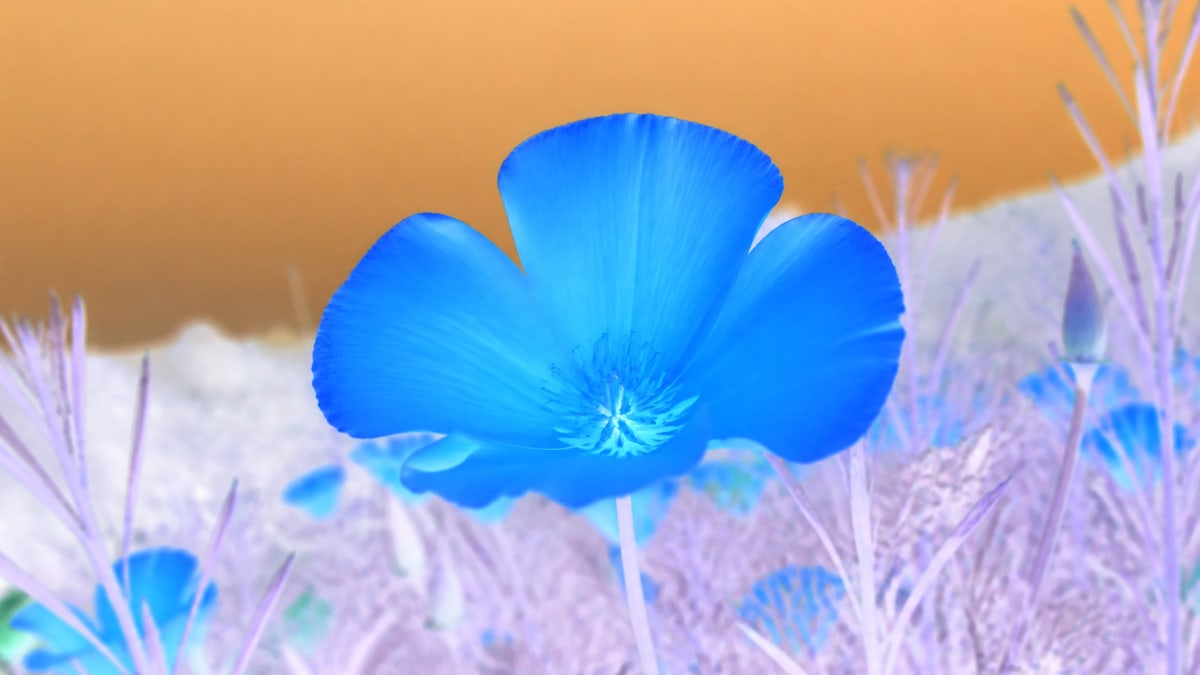
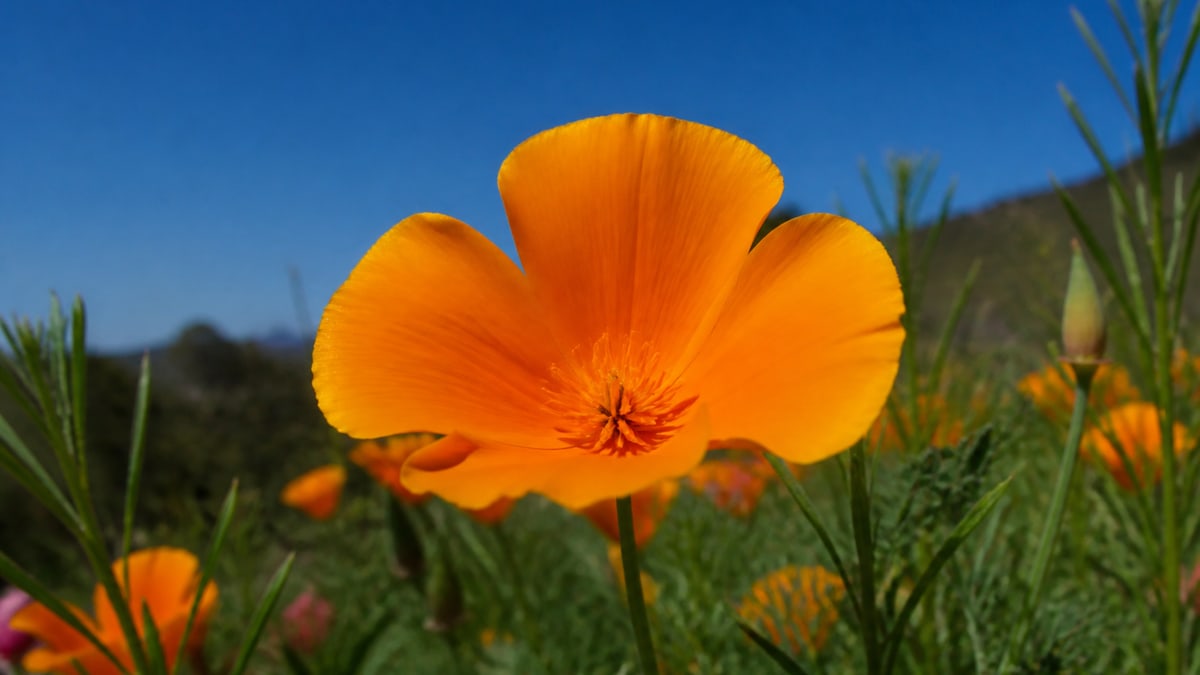
What you can do here
One photo is enough for an invert image job. A small batch uses the same invert on every file.
Invert colors
Makes a photographic negative. White and black swap. Every hue becomes its complementary opposite. Invert is already on when the photo opens. Open Advanced if you want one channel, keep-skin, or a weaker invert.
Original beside the result
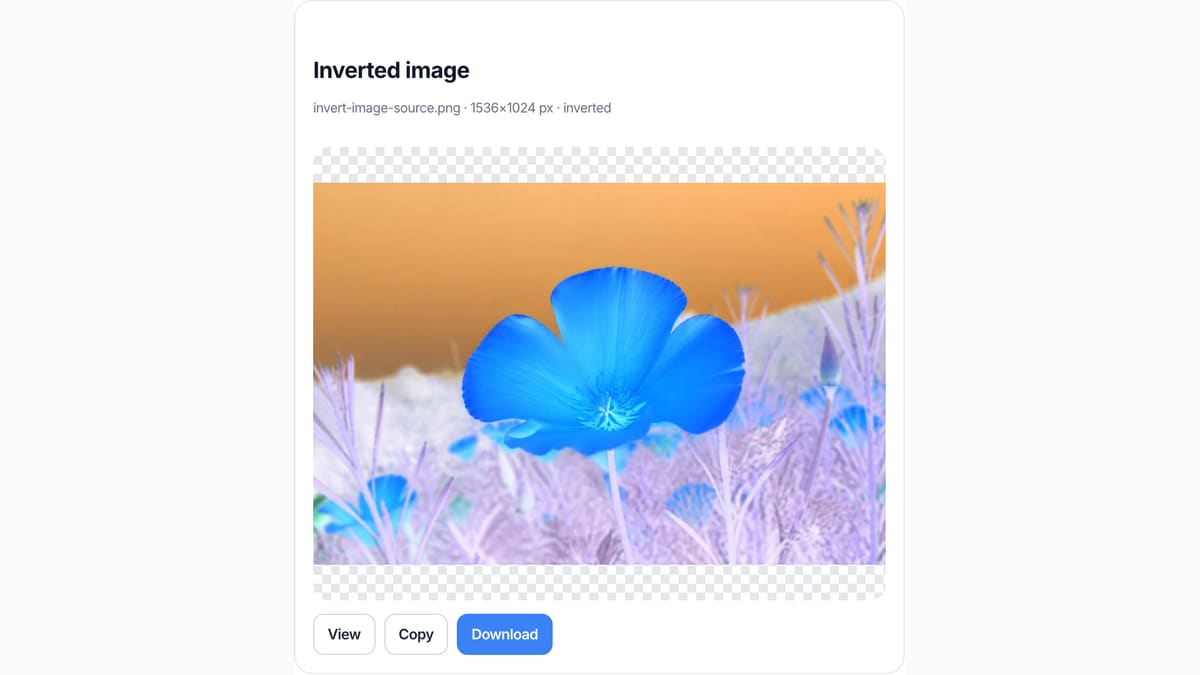
Click Original in Settings to see the source again. Click Invert to put the negative back. The live preview is already the file you download, so you are not guessing which export came back from a server.
Live preview
You do not press Invert and wait for an upload. What you see in the box is what you save as JPG, PNG, or WebP. Identity under the preview shows the filename, pixel size, and inverted or original state.
Stays on this device
JPG, PNG, WebP, GIF, BMP, or AVIF. Each file under 40 MB, up to 30 photos. HEIC, TIFF, and PDF are declined. A side longer than 8000 px is scaled down before the invert so the tab stays usable.
How to invert image colors in 3 steps
Works on a phone or a computer. No account.
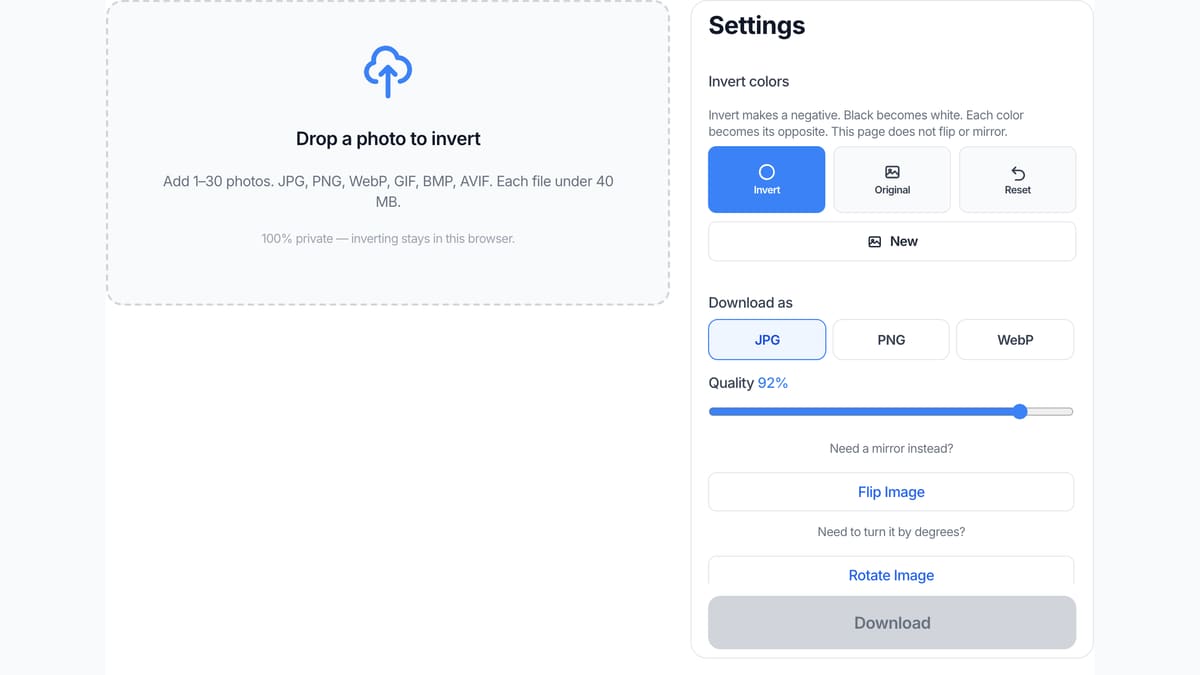
Add a photo
Drop a JPG, PNG, or WebP on the dashed box, or pick a file. One photo is enough. You can add more if you want the same invert on a batch.
Check the negative
Invert is already on. The preview shows inverted colors. Click Original if you want the source back, then Invert again. Open Advanced only if you want one channel, keep-skin, or a weaker invert.
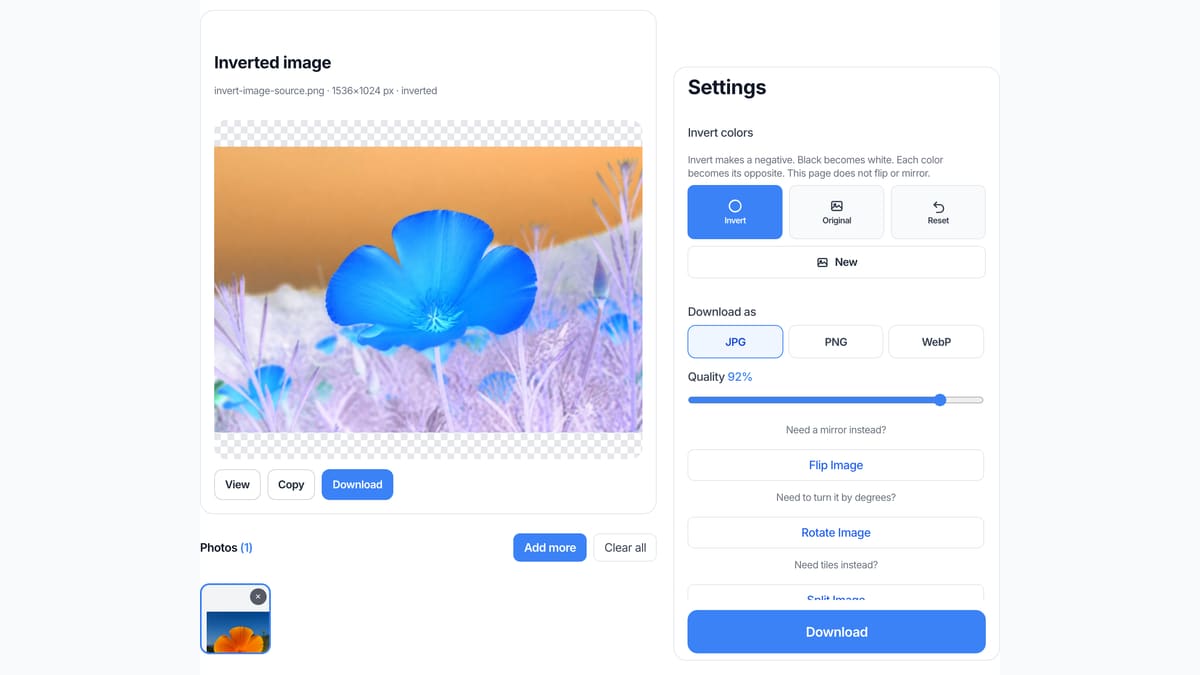
Download the inverted file
View it here, copy it, or download JPG, PNG, or WebP. Two or more photos download as a ZIP with the same invert on each file.
Why invert here
This page only reverses colors. That is the job in the search box.
No upload
The file never goes to our server to finish the negative. Closing the tab clears it from this page. That is the same privacy rule as Flip Image and the rest of this site.
The preview is the download
You do not press Invert, then wait, then guess which file came back. What you see in the preview is what you save. Identity shows the filename, pixels, and inverted or original state.
Honest about other apps
We do not walk you through Canva, Photoshop, Preview, or an iPhone invert setting. If you need those menus, use those apps. If you need an inverted JPG now, use this box.
Not a mirror
Invertir, flip, and mirror are a different URL. This page does not swap left and right. It only inverts colors. Use Flip Image when the search was actually a mirror.
Limits and tips
- Invert reverses color. It does not flip the photo. Use Flip Image for a mirror.
- A sideways photo needs Rotate Image, not this page.
- Each file must stay under 40 MB. A side longer than 8000 px is scaled down before the invert.
- HEIC from iPhone, TIFF, and PDF are rejected. Save a JPG or PNG first.
- PNG keeps transparency. JPG fills empty pixels with white because JPEG has no alpha.
- Need tiles for Instagram? Use Split Image on the homepage.
- Open Advanced to invert only red, green, or blue, keep likely skin tones, or lower the invert strength.
Jobs that finish on this page
These are invert jobs. Software-menu searches stay off this list on purpose.
Make a film-style negative
A bright photo becomes a dark complementary negative. Highlights turn to shadows. Use it for a scan look or a poster test, not to restore a real film strip.
Input: One JPG photo
Setting: Invert on
Output: One inverted JPG
Caveat: This does not restore a real film scan or remove color cast.
Invert a UI screenshot for a dark mock
A light interface becomes a dark complementary version. Useful for a quick dark-mode sketch. Brand colors will not stay on-brand because this is a pixel invert, not a theme.
Input: One PNG screenshot
Setting: Invert on, download PNG
Output: One inverted PNG
Caveat: This is a pixel invert, not a design-system theme.
Same invert on a small batch
A folder of icons or product shots that all need the same negative. Add up to 30, keep Invert on, download the ZIP.
Input: Several PNG files
Setting: Same invert on all
Output: A ZIP of inverted files
Caveat: This is not a 100-file factory or a desktop folder watcher.
Invert here, or use a neighbor tool?
Use this page
Invert colors on one photo
Use this URL when you need a color negative: invert image, invert image colors, or an image inverter job. The preview is the file. Flip and rotate live on other URLs.
Use a related tool
Mirror, turn, or cut tiles
Need a left-right mirror? Use Flip Image . Need a turn by degrees? Use Rotate Image . Need Instagram tiles? Use Split Image . None of those pages invert colors.
Invert image colors FAQ
What does invert image do on this page? +
It reverses every pixel color in your browser. Each red, green, and blue value becomes 255 minus that value, so black becomes white and a warm hue becomes its opposite. You download the inverted JPG, PNG, or WebP. Nothing is uploaded. This page does not flip or rotate the photo.
What is invert image? +
Invert image means a color negative of a still you already have. This URL is an image inverter: add a photo and the preview is already inverted. It is not reverse image search, not a camera setting, and not a physics-class inverted lens image.
Is this an image inverter I can use online for free? +
Yes. This page is a free online image inverter. You do not create an account. The same URL covers invert image online and invert image colors. There is no paid unlock for the invert itself, and the file stays in this tab.
How do I invert image colors? +
Add a JPG, PNG, or WebP. Invert is already on, so the preview is the negative. Download that file. Click Original if you want the source back. You do not need Photoshop, Canva, or a CSS class for this invert image colors job.
How do I invert a picture on iPhone? +
Open this URL in Safari or Chrome on the phone. Add a JPG or PNG, check the inverted preview, then download. iPhone Photos Classic Invert only flips the screen display and does not save a file. This page writes a real inverted image you can keep.
How do I invert an image on Windows or Mac? +
Open this page in Chrome, Edge, Safari, or Firefox. Drop a JPG or PNG. The preview is already inverted. Download the file. You do not need Photos, Preview, or a desktop installer for a simple invert image job.
Does invert image mean flip or mirror? +
No. Invert here means colors, not sides. A left-right mirror is Flip Image on this site. A 90 degree turn is Rotate Image. If you searched invert image and wanted a mirror, use Flip Image instead of this URL.
Can I invert more than one image at once? +
Yes. Add up to 30 photos. The same invert applies to each file. Download one, or download all as a ZIP. That covers a small batch image inverter job. It is not a desktop folder watcher or a 100-file factory.
Does this replace how to invert colors in Photoshop or Canva? +
No. Those searches want the Invert or Adjustments menu inside Photoshop, Canva, Illustrator, Word, or Google Docs. This page does not open those apps. It inverts a file you already have and gives you a new image back.
Can I invert an image with CSS? +
Not here. CSS filter invert(1) is a front-end trick for a webpage. This image inverter writes new pixels into a downloadable file. If you need a CSS snippet, that is a different page and a different job.
What is a colour inverter? Is the spelling different? +
Colour inverter is the same job as invert image colors, just the British spelling. This page does that invert. It is not a colour picker, not a theme generator, and not an electrical solar inverter.
What formats can I invert? +
JPG, PNG, WebP, GIF, BMP, and AVIF. Each file must stay under 40 MB. HEIC, TIFF, and PDF are rejected. Convert those to JPG or PNG first, then add the converted file to this box.
Do I need to log in or upload? +
No. Add a photo, invert it, download it. There is no account wall and no watermark. The invert runs in this browser. We do not upload the photo to finish the job.
Will invert reduce image quality? +
The invert math itself does not soften the photo. If you searched invert image without losing quality, pick PNG. JPG or WebP re-encode uses the quality slider. A side longer than 8000 px is scaled down before the invert.
Can I invert a PNG and keep transparency? +
Yes. Add the PNG, leave Invert on, and pick PNG under Download as. Transparent pixels stay transparent. JPG fills those pixels with white because JPEG has no alpha channel.
Does this invert only red, green, or blue? +
Yes, if you open Advanced. Red only, green only, and blue only invert one channel. The default is a full RGB invert. Keep skin tries to leave likely skin-tone pixels closer to the original. There is no painted mask and no grayscale invert.
Is invert the same as grayscale or black and white? +
No. Grayscale removes hue. Invert keeps hue and swaps each channel to its opposite. A red shirt becomes cyan. A grayscale negative would be a different page, and we will not pretend this URL does that.
Do I need an app or a browser extension? +
No. This image inverter runs in the tab. There is no Chrome extension to install and no desktop app. If you searched invert image without app, this page still only inverts a file you already have.
Is this reverse image search? +
No. Reverse image search looks up where a photo already exists on the web. This page never searches Google. It only inverts the colors of a file you add and lets you download the negative.
How do I invert an image in Preview on a Mac? +
Mac Preview has its own color invert under Adjust Color. This page does not open Preview. Drop the same JPG here if you want a downloaded negative without using Apple's menu.
Ready to invert image colors
Add a photo above. Invert is already on. Download when the negative looks right.
Invert image colors