Image to PDF Online Free
This image to PDF converter is free online in your browser, with no upload. JPG to PDF, JPEG to PDF, PNG to PDF, photo to PDF, img to PDF, picture to PDF, screenshot to PDF, and merge images to PDF all download as one file.
PDF options
One image per page
Up to twenty photos combine into one image to PDF file. Reorder the thumbs for the cover.
No upload
JPG, PNG, and WebP convert in this image to PDF tab. The files are not sent to a server.
Fit, A4, Letter
Match the photo on each image to PDF page or sit it on a paper sheet. Auto turns landscape stills.
Also on this site: Image to Printable PDF · Merge Images · Split Image
What does this image to PDF converter do?
An image to PDF converter takes still photos and writes them into a Portable Document Format file you can email, print, or attach to a form. Each picture becomes one page. Images to PDF means several files still download as one document in the order you set. The job is a document, not a poster tiled across sheets and not a collage of photos stitched into a single bitmap.
JPG to PDF, JPEG to PDF, and PNG to PDF sit on this URL with WebP and GIF. Photo to PDF, picture to PDF, pic to PDF, and img to PDF are the same image to PDF job: stills in, one file out. Convert JPEG to PDF or convert images to PDF here without a second English page.
The pictures stay in this tab. Nothing is sent to a convert API. This image to PDF page does not stamp a photo onto a file you already have, does not read text with OCR, and does not split one poster across A4 sheets. That last job lives on Image to Printable PDF.
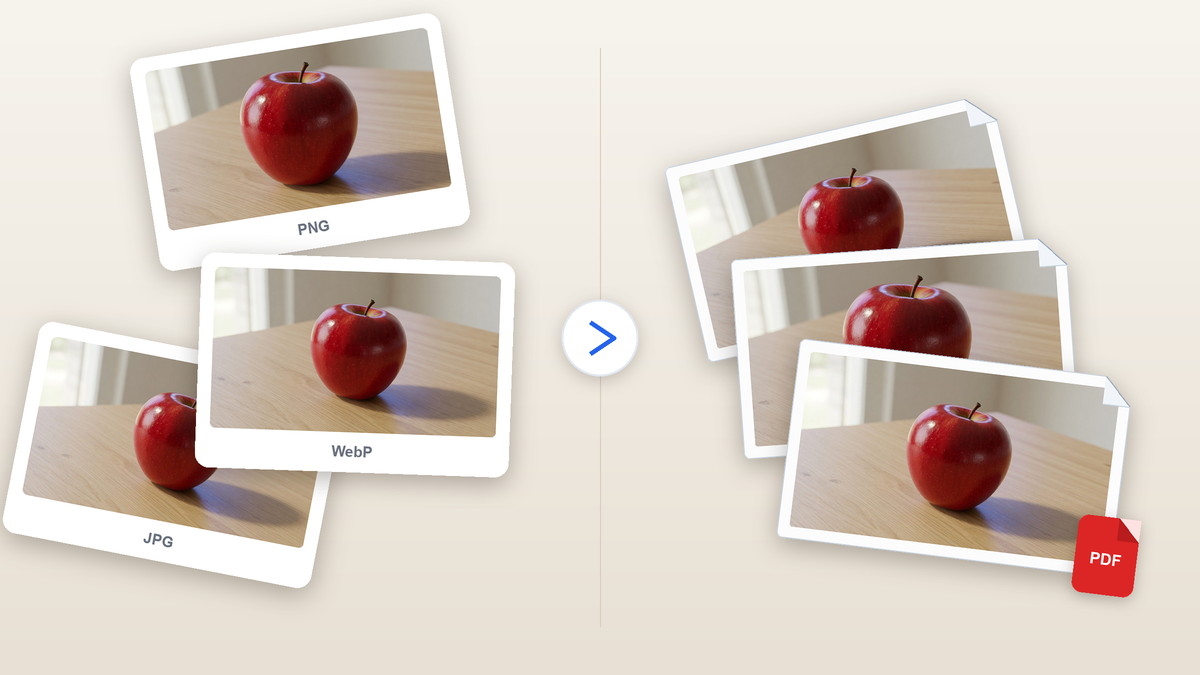
Converter controls
One or many photos, one image to PDF file, page size you can see before you save.
JPG to PDF converter on one URL
Drop a JPG to PDF job, convert JPEG to PDF, or add PNG and WebP. This image to PDF converter writes every still. Format is a setting of the files you add, not a second English page.
Merge images to PDF
Merge images to PDF, merge JPG to PDF, or combine images into PDF. Add up to twenty stills, reorder the thumbs so page one is the cover, and download one image to PDF file instead of a zip.
Fit, A4, or Letter
Fit sizes each image to PDF page to the picture. A4 and Letter put the still on a paper sheet, centered, with auto, portrait, or landscape orientation.
Private in this browser
pdf-lib writes the image to PDF file in this tab. Close the tab and the photos are gone. There is no account and no watermark on the pages.
How do I convert image to PDF?
Three moves to convert images to PDF. The image to PDF file is built in this tab after the photos open.
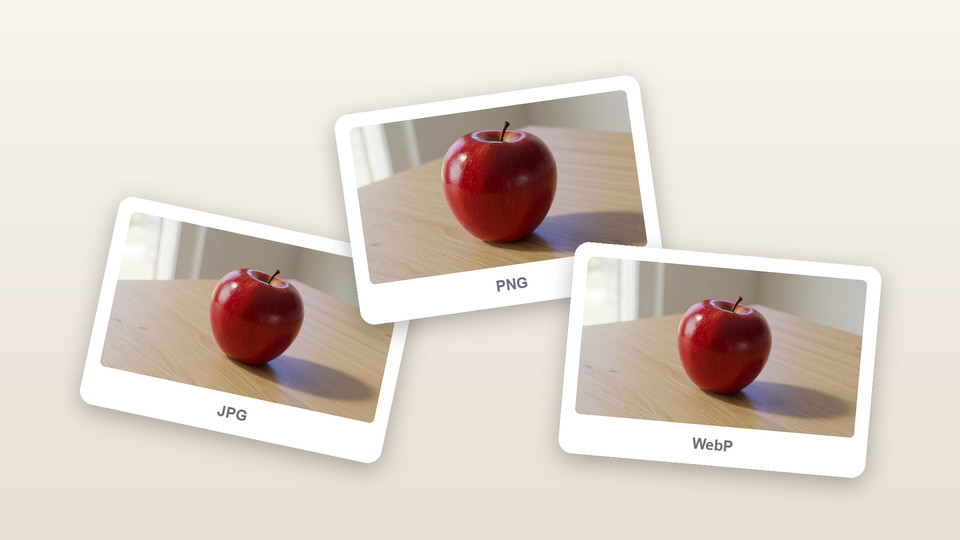
Add the photos
Drop JPG, JPEG, PNG, WebP, or GIF files, browse for them, or paste a still. They stay in this image to PDF tab and are not uploaded.
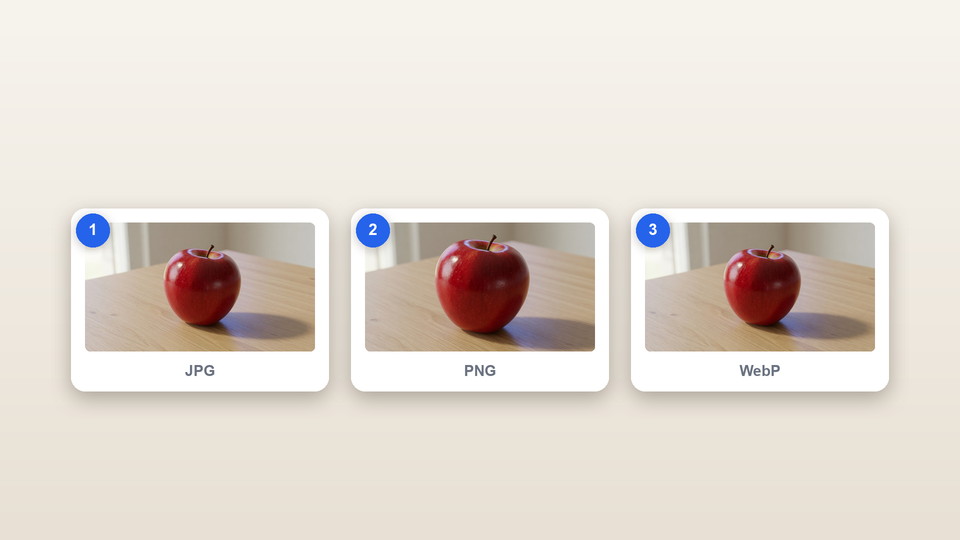
Set the pages
Reorder the thumbs. Choose Fit, A4, or Letter for the image to PDF sheets. Pick auto, portrait, or landscape on paper sizes. Add a small margin only if the sheet needs a border.
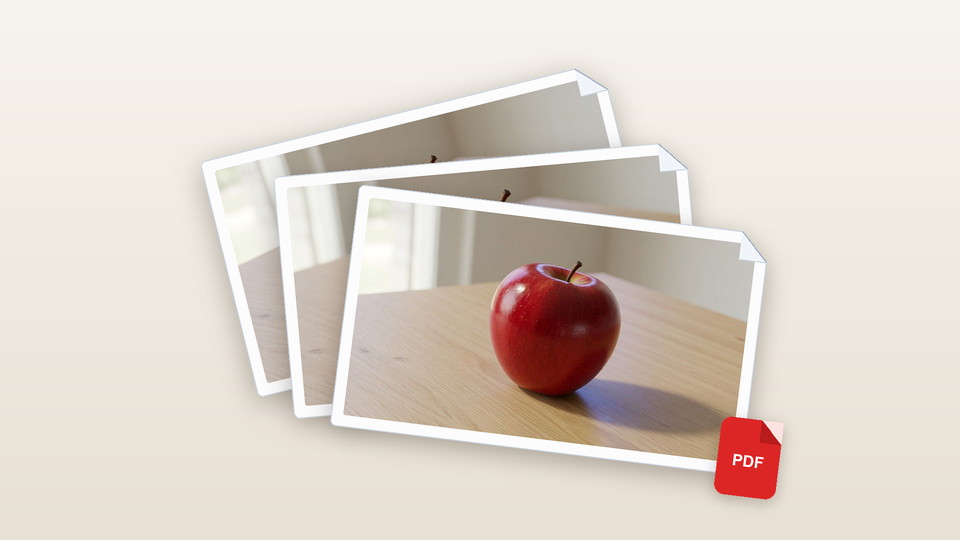
Download the PDF
Save the image to PDF file. View opens it in this page. Each image is one page in the order you left the list.
Why convert image to PDF in the browser?
An image to PDF converter only helps if the photos never leave the device and the pages match what you picked.
No upload to a convert site
iLovePDF, Adobe, Smallpdf, and similar tools send the file to a server. This image to PDF run stays in the tab with pdf-lib.
One file, many stills
Receipts, scans, and phone photos become one image to PDF attachment. You do not zip twenty files or merge them in a second program.
Paper size you can pick
Fit keeps the picture’s shape on each image to PDF page. A4 and Letter are the sheets offices print. Auto turns a landscape still onto a landscape page.
No account
There is no signup, no watermark, and no credit charge for another batch of photos on this image to PDF page.
Tips and limits
- Put the cover photo first. The thumb list is the page order of the image to PDF file you download.
- Use Fit when you want each image to PDF page to match the still. Use A4 or Letter when a printer or a form expects a paper size.
- JPG and PNG keep their pixels by embedding in the image to PDF file. WebP and GIF are drawn to a canvas and saved as PNG pages inside the PDF.
- This image to PDF converter does not stamp onto an existing PDF, does not OCR a scan into searchable text, and does not tile a poster. Use Image to Printable PDF when one picture must cover several sheets.
Where an image to PDF file gets used
Anywhere a form, inbox, or printer wants an image to PDF document instead of a folder of photos.
Receipts and tickets into one attachment
Photograph each slip, drop the JPGs in date order, and download photos to PDF for the expense inbox instead of a zip of stills. One image to PDF file is enough.
Homework photos for a portal
Shoot each worksheet, convert pictures to PDF on Letter or A4, and send the image to PDF file to the school form that rejects a folder of PNG files.
Phone scans and screenshots
Add the ID photo, the signed sheet, then extra stills, or convert a screenshot to PDF for a bug report. Fit keeps IDs sharp; this image to PDF download is one document.
What this page will not do
This image to PDF converter is not Image to Printable PDF. That URL tiles one picture across A4 or Letter sheets for a wall poster. Here each still is one page in one image to PDF file.
It is not Merge Images. Merge stitches photos into one bitmap, then can wrap that bitmap. Here the image to PDF file keeps pictures on separate pages.
It does not add an image onto a PDF you already have, does not turn PDF pages back into JPG, and does not convert Word, Excel, or HTML. PDF-to-JPG lives on a sister site. HEIC is not opened here; convert that still first, then use this image to PDF page.
Image to PDF questions
How do I convert image to PDF files in the browser?
Drop photos into this image to PDF tool, reorder the thumbs if you need a cover page, pick Fit, A4, or Letter, then download the combined file. The stills stay in this tab while the file is written.
Is this image to PDF converter free?
Yes. There is no account, no watermark, and no charge to convert photos and save the image to PDF file. You can add another batch after the first one without a daily cap on this page.
Can I convert JPG to PDF or JPEG to PDF on this page?
Yes. Both camera spellings are first-class inputs on this image to PDF page. Drop one photo or many, then download a file with each still on its own page. You do not need a second English URL for the other spelling.
Can I convert PNG to PDF on this page?
Yes. A PNG embeds as a PNG page inside the image to PDF file. WebP is drawn in this tab and stored the same way. GIF is accepted too. Format is a feature of this converter, not extra English pages.
Can I convert a photo to PDF or a picture to PDF?
Yes. Camera-roll stills and saved pictures use this image to PDF converter. Each still becomes one page. Pic files from chat apps follow the same path once they are JPG, PNG, or WebP.
Can I convert img to PDF files here?
Yes. An img file is just another still. Drop it on this image to PDF page with the rest of the batch. The download is one document, one page per file, in the order of the thumbs.
Can I merge images to PDF or combine images into PDF?
Yes. Add up to twenty photos and drag the thumbs into order. This image to PDF download is one file, one still per page. The page does not zip a separate document for each still.
Can I convert a screenshot to PDF?
Yes. Save the capture as PNG or JPG, drop it here, and download an image to PDF page. Several captures stack in thumb order. Fit keeps the pixels; A4 is there if a form wants paper.
Do I need an app or browser extension?
No. A current desktop or phone browser is enough for this image to PDF run. Drop the files, paste a still, or browse for them. Nothing extra has to be installed to reorder pages or download.
Does it work on iPhone and Android?
Yes. The phone file picker can open the camera roll. Add several stills, set the page size, and download the image to PDF file the same way you would on a computer. Huge batches are easier on a desktop tab.
Are my photos uploaded to a server?
No. The image to PDF converter runs in your browser with pdf-lib. Close the tab and the pictures are gone. This site does not keep a copy of the files you open.
What page sizes can I pick?
Fit matches each image to PDF page to the photo. A4 is 210 by 297 millimetres. Letter is the US office sheet. Auto orientation turns a wide still onto a landscape page; portrait and landscape locks are there too.
Can I add an image to an existing PDF?
No. This image to PDF tool writes a new file from photos. It does not stamp a picture onto a document you already have, and it does not fill a form. Start from the stills, not from a file you need to edit.
Is this the same as Image to Printable PDF?
No. Image to Printable PDF tiles one picture across several A4 or Letter sheets for a wall poster. This image to PDF converter puts each photo on its own page in one file. Use the poster URL when you need to print a mural.
Can I convert a PDF back into JPG files?
No. This image to PDF page only goes from photos to a document. Turning pages back into JPG files is the reverse job and is not offered here. Use a PDF-to-JPG tool when you already have the file.
Does this converter OCR scans into searchable text?
No. The image to PDF file stores the pictures as images. A scan of a worksheet stays a picture of that sheet. There is no text layer, no Word export, and no Excel table pulled from the photo.
Can I open HEIC, TIFF, or BMP here?
HEIC is not opened on this image to PDF page; convert it to JPG first. BMP and TIFF are outside the accepted list. Use JPG, JPEG, PNG, WebP, or GIF. Those five cover the usual camera-roll and screenshot files.
How many photos can I add, and how large?
Twenty files is the cap for one image to PDF batch, and the set should stay around forty megabytes. Very large stills are scaled so the pages stay practical. If a phone batch is huge, add it in two downloads.
Will the PDF keep the photo quality?
JPG and PNG pages embed the original bytes in the image to PDF file when the still is already those types. WebP and GIF are redrawn as PNG pages. Fit avoids letterboxing. A4 and Letter scale the still to sit on the sheet.
How do I change the page order?
Use the arrows on each thumb, or drag the thumb to a new slot on this image to PDF list. Page one is the first thumb. Remove a still you do not want. Add more files if the batch is still short.
Is Merge Images the same converter?
No. Merge Images stitches photos into one bitmap. This image to PDF page keeps each photo on its own page. Use Merge when you want a collage; use this converter when a form wants a multi-page document.
Can I convert Word, Excel, or HTML to PDF here?
No. Only still images are accepted on this image to PDF URL. A .docx, a spreadsheet, or a web page is a different converter. Photograph a printout if you only have paper, then drop those stills.
Will this save the PDF to Google Drive or iCloud?
No. The image to PDF download lands in the browser download folder. Move that file into Drive, iCloud, or email yourself. This converter does not sign into those accounts or keep a cloud copy.
Convert the photos
Add JPG, PNG, or WebP stills, set the pages, and download the image to PDF file. JPG to PDF, PNG to PDF, and photo to PDF all stay in this browser.
Open the tool