Split GIF Online Free
Cut one animated GIF into rows and columns. Each piece keeps moving.
Drop one GIF
GIF only, up to 15 MB and 80 frames. JPG, PNG, and video are turned away.
The file stays in this browser. Nothing is uploaded.
Settings
Quick Templates
In this browser
The GIF is read on your device. Nothing is uploaded.
Tiles keep moving
Each piece is still a GIF, with the same frame timing.
Free
No account, and no watermark added to the download.
More tools: Split Image · Flip Image · Rotate Image · Invert Image Colors · Blur Image · Pixelate Image · Merge Images · Image Compressor · GIF background remover
What a split GIF is
A split GIF is one animation cut into a grid. You choose the rows and the columns. Every cell becomes its own file, and the motion that lived inside that cell keeps playing. The loop does not collapse into a single still. A blink, a wave, or a scrolling texture stays inside the tile that held it.
That is a different job from pulling the animation apart frame by frame. A frame extractor hands you a stack of PNG or JPG pictures, one picture per moment, and the motion is gone until somebody builds it again. A split GIF keeps each piece animated. It is also a different job from erasing a background. Removing the backdrop does not change how many rectangles you have. Cutting the rectangle does not erase the backdrop.
Still photos on this site already split into two, three, four, and custom grids, and those downloads are ordinary pictures. If you send a GIF through a still-image cutter, you usually get the first frame and the rest of the loop disappears. This page exists so the pieces stay GIFs. People also look for a GIF splitter, an animated GIF splitter, or a GIF grid splitter. Those phrases point at the same cut when the pieces are supposed to keep moving.
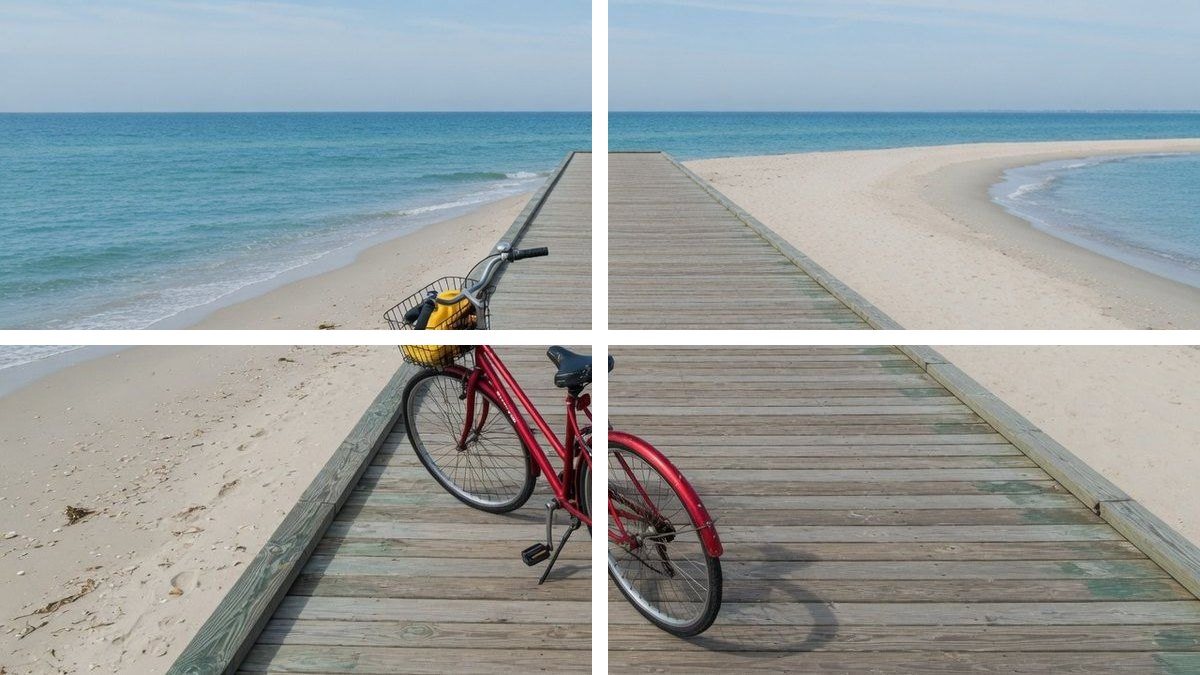
What this GIF splitter does
You add one GIF, pick a grid, and download tiles that are still animations. A split GIF here is a rectangle cut, not a frame dump and not a collage of several files.
Half, quarters, or a custom grid
Left/right is one row and two columns. Top/bottom is two rows and one column. 2×2 and 3×3 are one tap to select the grid. Press Split GIF to cut. Rows and columns can each be set from 1 to 6, as long as you end up with at least two tiles.
Each tile is still a GIF
The download is not a PNG of the first moment. Open a tile and it loops. A split GIF tile uses the same file as the preview, so you can see the motion before you save it.
The original timing is copied
A split GIF keeps the delay written in the file, in milliseconds, with a floor of 20. A frame that was on screen longer stays on screen longer inside every tile. The cut does not invent a new speed.
One tile, or all of them in a ZIP
Every cell of a split GIF has its own download. Download ZIP packs the set. Names look like clip-r1c1.gif: row 1 column 1 is the top left, and the count goes across, then down.
The file stays on the device
Reading, cutting, and encoding happen in the browser. There is no account and no upload step. Close the tab and the previews go with it. A later visit does not still have your GIF.
Honest size limits
GIF only, up to 15 MB and 80 frames. A side longer than 1200 pixels is scaled down, and a long animation may be scaled further so the tab can finish. A tile under 8 pixels is refused. GIF color is at most 256 colors per frame, so a photo-like source can shift a little.
How to split a GIF into a grid
The whole job is one file and one grid. You do not draw a freehand box, and you do not upload the animation to a server. A split GIF from this page is ready when the tiles on screen are looping.
Add one GIF
Drop the file, or click the box and choose it. A split GIF starts as that one file. A JPG, PNG, WebP, or video is refused, because those cuts belong on the still-image tools. The original keeps playing above the grid so you can see what you added.
Choose the rows and columns
Start from a half, a 2×2, or a 3×3, or type your own counts. The first rows and columns absorb the leftover pixels, so a width that does not divide evenly is not cropped away. A template or a new count only selects the grid. Press Split GIF to cut.
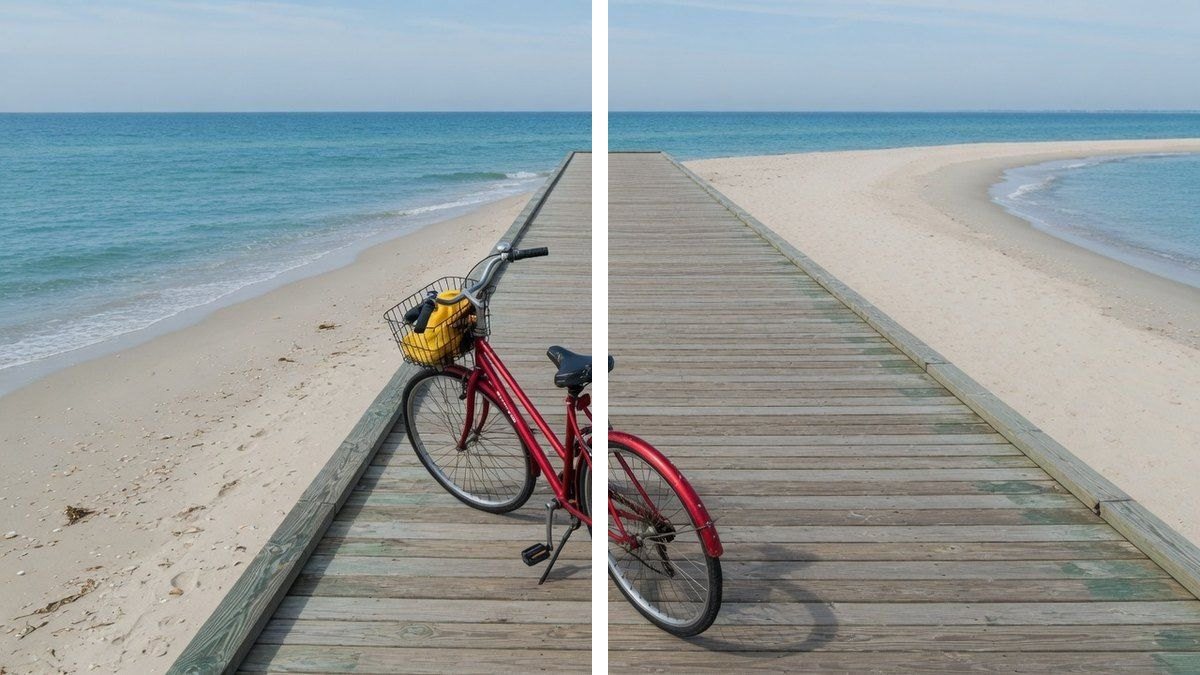
Download the moving tiles
Wait until each cell is looping. That preview is the file. Save one split GIF tile, or save the ZIP of all of them. If the note says the GIF was saved smaller, the tiles use that smaller size on purpose.
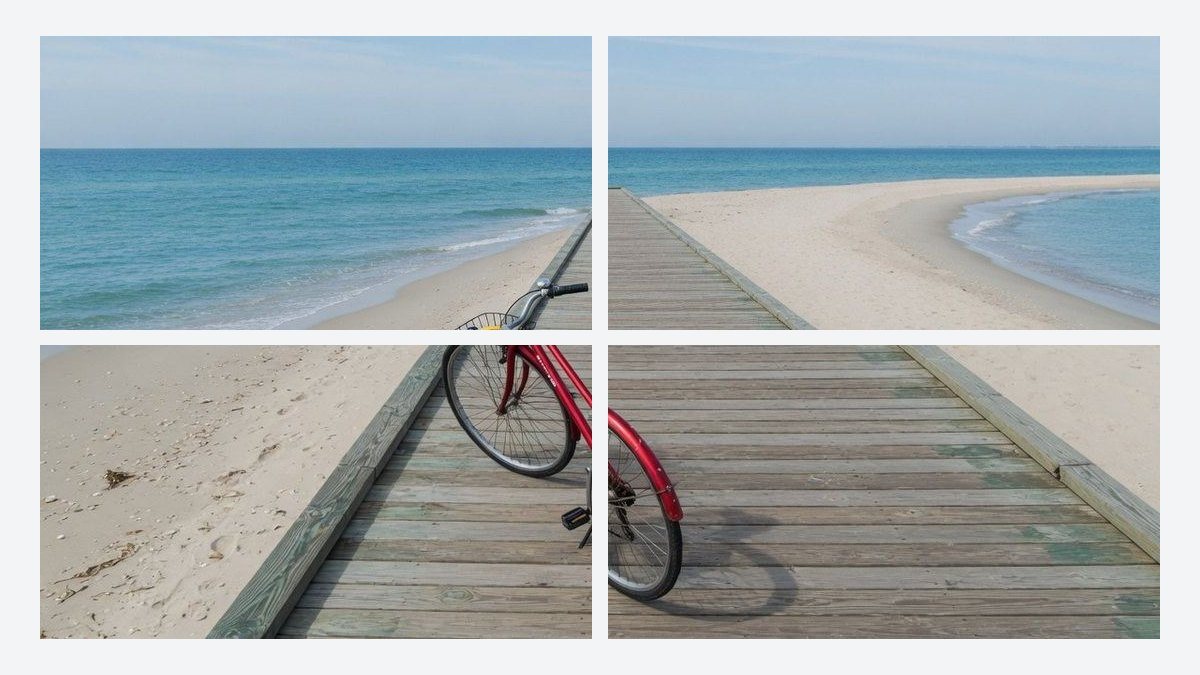
Why the tiles stay moving
A grid cut is only useful for an animation when the cell keeps its own frames. These are the choices that make a split GIF stay a split GIF.
The motion stays in the cell that had it
A figure walking from left to right is on the left tiles first and the right tiles later. A split GIF does not stamp the same frame into every cell. Each cell gets the pixels from its own rectangle, frame after frame.
Nothing is shaved off to force equal math
If the width does not divide by the column count, the extra pixels go to the first columns. The same rule applies to rows. The tiles can differ by one pixel. The edge of the animation is still in the file.
Transparency is kept when the GIF had it
Clear pixels stay clear, using the one-bit transparency GIF files actually support. A sticker does not get a surprise rectangle of white. Partial fades become either clear or solid, because a GIF cannot store a soft alpha ramp.
You can see the result before you save
The grid is not a schematic. Each cell of the split GIF is an image element pointed at the encoded file. If a tile is frozen, the download would be frozen too, Change the grid and press Split GIF again before you keep the files.
Before you split a GIF
- Left/right and top/bottom are the two ways to cut in half. A 2×2 is four tiles, not two. Count the cells on the preview if the preset name is easy to mix up.
- This page will not hand you a folder of PNG frames, a JPG sequence, or a sprite sheet. Those are different files. If you need stills, export frames from the app that made the GIF, then use the still splitter for a photo.
- Very short frame delays are copied, but many browsers still hold a frame for about a tenth of a second when the file asks for less. The tile matches the file. The player may not.
- A side over 1200 pixels, or a long loop that would use too much memory, is reduced before the cut. The note under the preview tells you the size of the split GIF that was actually saved.
- One GIF at a time. A folder of animations is not a batch on this page. Cut the next file after you download the one on screen.
- Joining several GIFs into one picture is the merge tool, and it is built for stills. This page does not stack separate animations back into a single collage.
Ways people split a GIF
The same cutter covers a half and a dense grid. The limit is the same on every row: a split GIF here is a set of GIF tiles, and this site does not post them for you.
A looping picture cut into a profile grid
Someone has one animation and wants four or nine pieces that still loop, so a grid of posts can show the same scene moving. The cut is the easy part. The network you post to decides whether a GIF actually animates in the grid.
Input. One GIF of a single scene, already cropped to the shape you want.
Setting. 2×2 or 3×3.
Output. A split GIF becomes four or nine tiles, named by row and column, in a ZIP.
Limit. Instagram’s still grid tool on this site is for photos. A GIF tile may be turned into a still by the app you upload it to. This page only cuts the file.
A before-and-after that keeps moving
A wide animation with the earlier moment on the left and the later moment on the right can be divided into two looping halves. Top and bottom works the same way when the change runs vertically.
Input. One GIF that is already composed as two sides.
Setting. Left/right, or top/bottom.
Output. Two GIFs. Each one plays only the half you asked for, at the original timing.
Limit. The cut is a straight row or column. It does not follow a diagonal, a circle, or a hand-drawn line.
A wide banner animation cut into a strip
A short banner loop can be sliced into columns when you need each slice as its own file. The height stays intact. Only the width is divided.
Input. One wide GIF, under 80 frames.
Setting. One row and as many columns as you need, up to 6.
Output. A horizontal series of GIF tiles, plus a ZIP if you want them together.
Limit. More than six columns is refused, and a slice thinner than 8 pixels is refused. Enlarge the source, or use fewer columns.
This page and the other GIF tools
This page
One GIF, cut into a moving grid
You leave with several GIFs. A split GIF tile is a rectangle of the original, and it still loops. Half, 2×2, 3×3, and a custom count up to 6 by 6 are the grids. The file is processed in the browser.
Different jobs
Frames, sprites, backgrounds, and stills
A frame extractor, a PNG sequence, and a sprite sheet are not this cut. The GIF background remover erases a backdrop and keeps one animation. The still splitters on the homepage cut a photo. Merge puts pictures together. Use those when the job is not a grid of moving tiles. GIF background remover · Split Image · Merge Images
Questions about splitting a GIF
How do I split a GIF? +
Add one GIF, choose rows and columns, press Split GIF, and wait until the tiles are looping. Then download a single split GIF tile or the ZIP. The cut runs in the browser. You do not send the file to a server, and you do not install an app.
Is this GIF splitter free? +
Yes. The grid cut is free. There is no account, no trial counter, and no watermark added to the tiles. Very large files are refused or scaled so the browser can finish, and that limit is the same for everyone.
Can I split a GIF in half? +
Yes. Left/right makes two side-by-side tiles. Top/bottom makes two stacked tiles. Both results of that split GIF keep the frame timing of the file you added. A 2×2 is four tiles, so use that only when you want quarters.
What is a GIF grid splitter? +
It is this cut: one animation divided by rows and columns into separate GIFs. A split GIF grid is usually 2×2 or 3×3, and a custom count works up to six by six when each tile is still at least 8 pixels. The pieces keep moving.
Does an animated GIF splitter keep the motion? +
On this page, yes. Each tile is encoded as a GIF with the same frame delays as the source. The preview is that file, so a frozen preview means a frozen download. A tool that exports JPG or PNG is exporting a still, even if the source was animated.
Can I split a GIF into frames or PNG files? +
No. This page does not export a PNG, a JPG, or one still per frame. A split GIF here means a grid of animations. If you need the individual frames as pictures, use the editor that created the GIF. Those stills can then go through the photo splitter.
Can I download each piece? +
Yes. Every split GIF tile has its own download, and Download ZIP saves the full set. The file names use the row and the column, with r1c1 at the top left. The archive is built on your device from the tiles you already previewed.
Is this GIF splitter online, and is the file uploaded? +
You open the page online, and the cut itself stays in the browser. The GIF is not uploaded, and there is no account. You need a current browser. Closing the tab clears the previews, because they were never stored here.
Will the timing and the colors stay the same? +
The delay on each frame is copied from the file. Browsers often refuse to play a frame faster than about a tenth of a second, even when the file asks for less. Colors can shift a little, because each frame of a GIF holds at most 256 colors. A photo-like animation shows that limit more than a flat sticker does.
How many pieces can I make? +
A split GIF here can use up to six rows and six columns, and it needs at least two tiles. A 1×1 is not a cut. If a tile would be under 8 pixels, the page stops and asks for fewer rows or columns. More than 80 frames, or a file over 15 MB, is also refused.
Is this the same as removing a GIF background? +
No. Background removal keeps one animation and tries to clear the backdrop. This page keeps the backdrop and changes the number of files. The GIF background remover is a separate tool, and it is the one to open when the job is a cutout rather than a grid.
Can this build a sprite sheet or join GIFs back together? +
No. A sprite sheet is one still picture of every frame, and this page does not make one. It also does not merge several GIFs into a collage. Merge on this site puts still images side by side or in a stack. Bring one GIF, and leave with a grid of GIFs.
Split a GIF into a moving grid
Add one GIF, pick the rows and columns, and download tiles that keep playing.
Split a GIF