Round Image Corners Online Free
Round image corners in the tab. Drag a radius, keep PNG transparent, download the still. Then split it. Nothing is uploaded.
Drop a photo to round corners
Add 1–30 photos. JPG, PNG, WebP, GIF, BMP, AVIF.
100% private — the rounded corners stay in this browser.
Settings
Round image corners
One radius curves all four corners. The slider is 0–50%: each percent is that share of half the short side. 50% is the large curve. The photo stays the same size.
Corner preset
Subtle, Card, or Max jump the slider. You can still drag Radius after.
0% is square corners. The pixel radius is the percent times half the short side. 50% is the top. The picture is not cropped. Same percent on every file in the batch.
Download as
PNG keeps the corners transparent. JPG and WebP fill that area with this color.
100% local
The image corner rounder runs in this browser. The photo never leaves the tab.
No upload
Nothing is sent to a server to finish the rounded corners file.
Free, no account
No signup, no watermark. Download PNG, JPG, or WebP.
Also on this site: Split Image · Flip Image · Rotate Image · Invert Image Colors · Blur Image · Pixelate Image · Crop Image · Merge Images · Image Compressor · AI Image Upscaler
What does round image corners mean here?
This page is a browser image corner rounder — a rounded corners tool for a file you already have. You add a photo and keep every pixel inside a rounded rectangle. People type round image corners, rounded corners, image corner rounder, image rounder, round edges, or round image corners online. The job is the same: a still you can download as PNG, JPG, or WebP.
Rounded corners are not a crop. Crop Image throws the outside of a box away and changes the pixel size. This page keeps the full frame and only curves the four corners. It is not an AI subject cutout, not a face circle, and not a CSS class you paste into a stylesheet. CSS border-radius only lasts while the photo sits on a web page. Email, marketplaces, and chat apps ignore that CSS. This page bakes the curve into the pixels.
The file never goes to our server. JPG, PNG, WebP, GIF, BMP, and AVIF are welcome. HEIC, TIFF, and PDF are declined on purpose. One photo is enough. A small batch uses the same percent on every file. After you like the curve, Split Image can cut that still into a grid or a print poster.
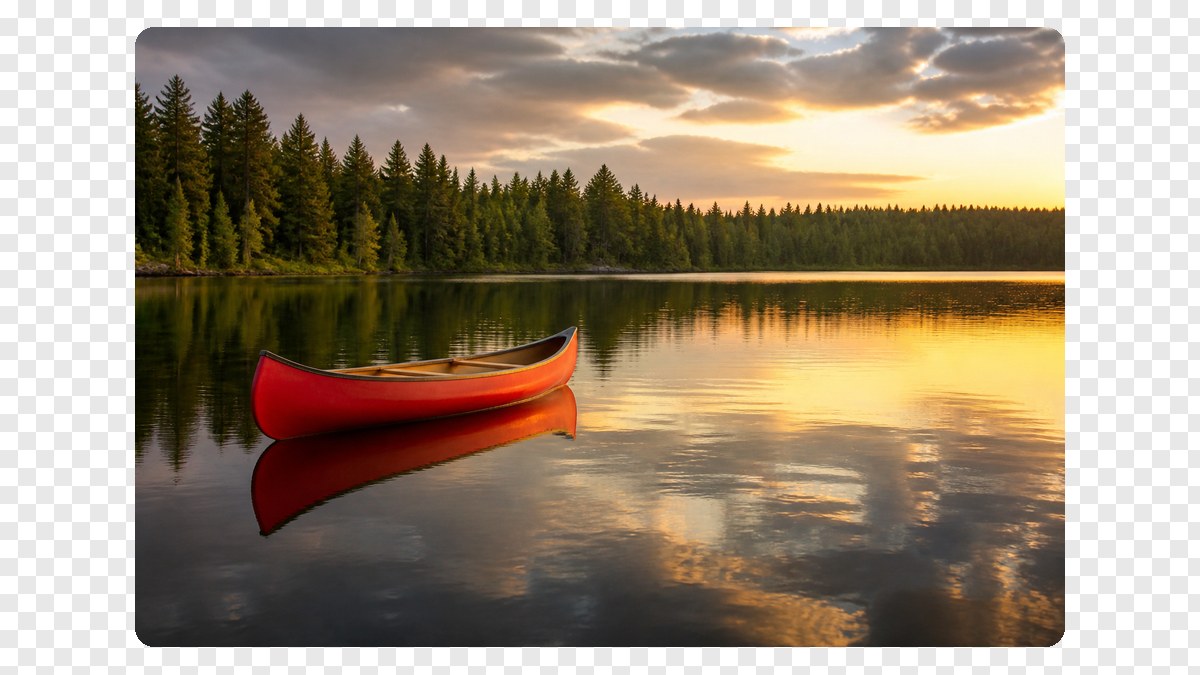
Original
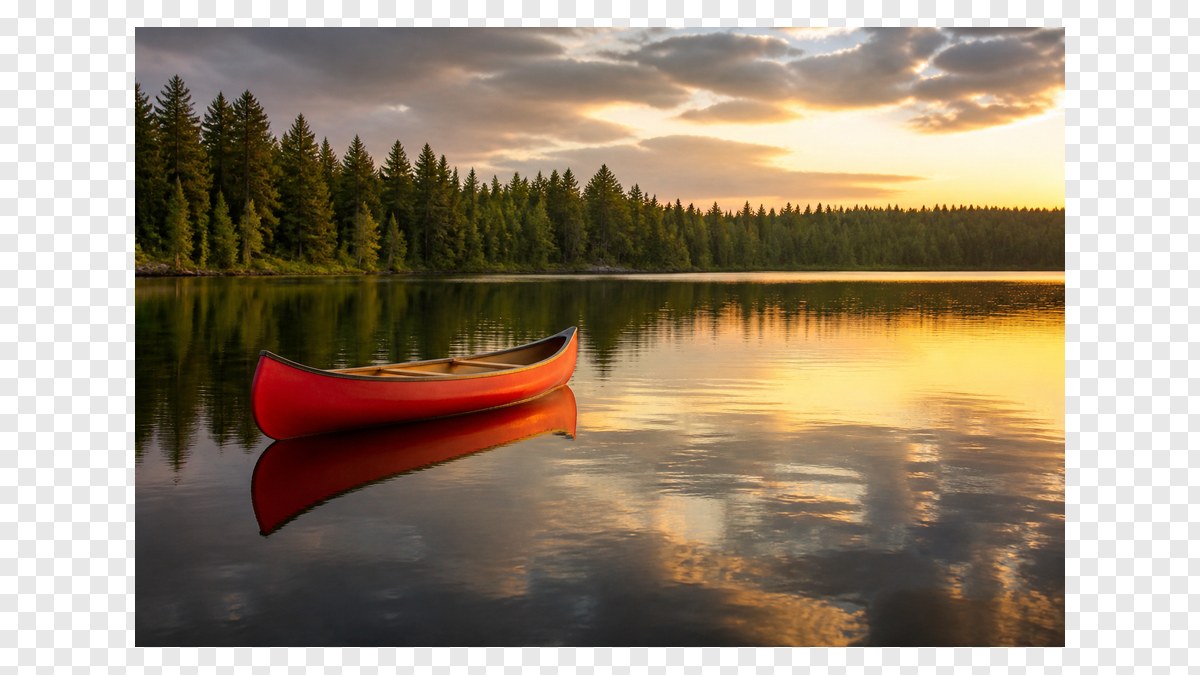
Rounded
What you can do here
One photo is enough for a round image corners job, an image rounder download, or a free image corner rounder result. The same page also covers rounded corners and round edges. A small batch uses one radius on every file.
One radius, four corners
Rounding is already on when the photo opens. Drag Radius. Subtle is 5%, Card is 15%, Max is 50%. Each percent is that share of half the short side. The photo is not cropped.
Transparent PNG or a fill
PNG keeps the corners see-through so the file can sit on any background. JPG has no alpha, so those corners fill with white or the color you pick. WebP can keep alpha if you want a smaller file.
The preview is the download
View, copy, or download PNG, JPG, or WebP of the rounded still. Identity under the preview shows the filename, the pixel size, and the radius in percent and pixels.
Then split it
This URL lives on Split Image so you can round first, then cut the still into tiles. Crop Image is the neighbor if you still need to throw pixels away before the curve.
How to round image corners in 3 steps
Works on a phone or a computer. No account. Same path for round image corners online, rounded corners, and image corner rounder.
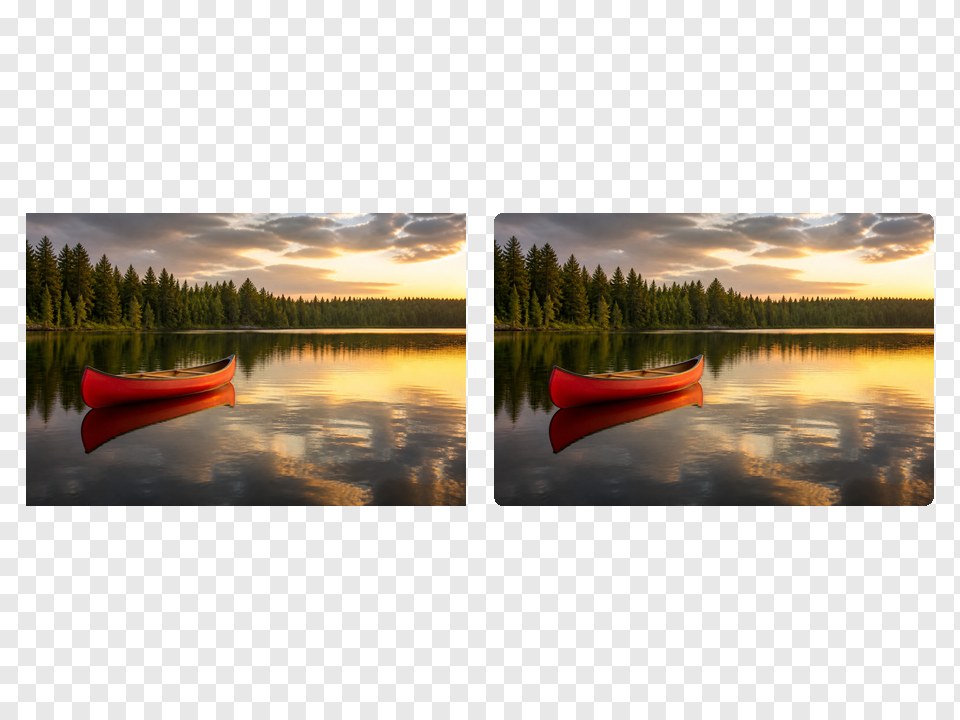
See the four corners curve
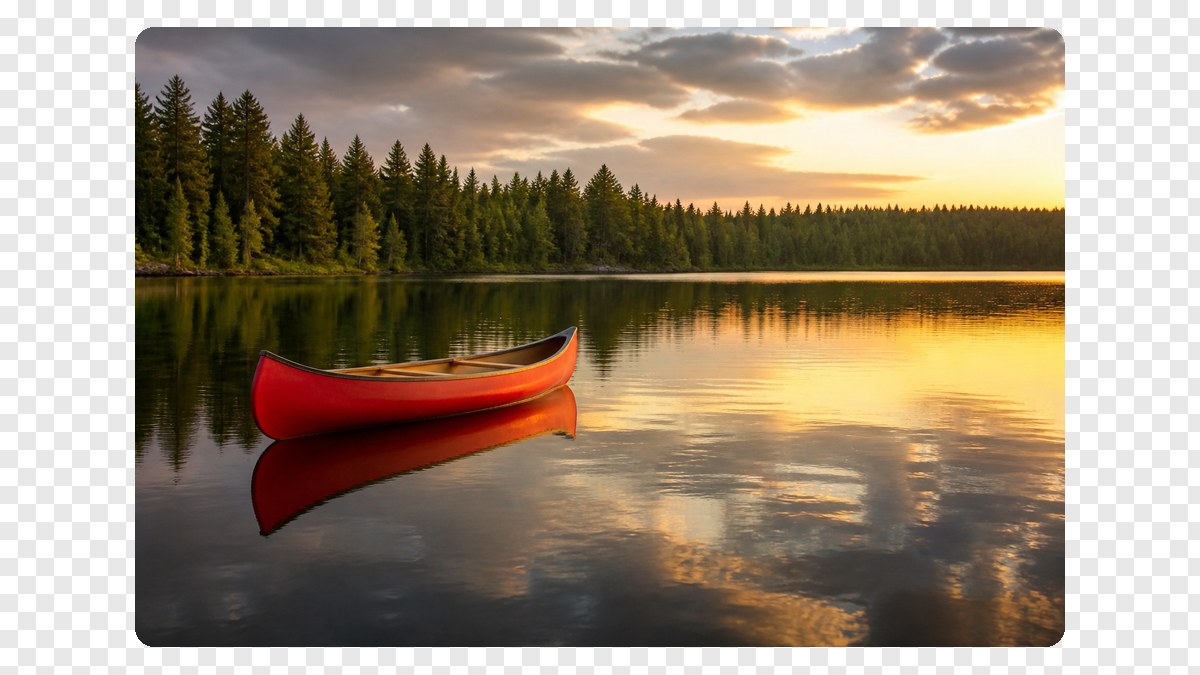
The still below is the job. A photo keeps its frame. Only the four corners pick up a little curve. Drop your own file in the dashed box above to bake that curve.
Drag the radius
Move Radius, or tap Subtle, Card, or Max. Original shows the square file. Reset puts Card back. PNG keeps the corners transparent.
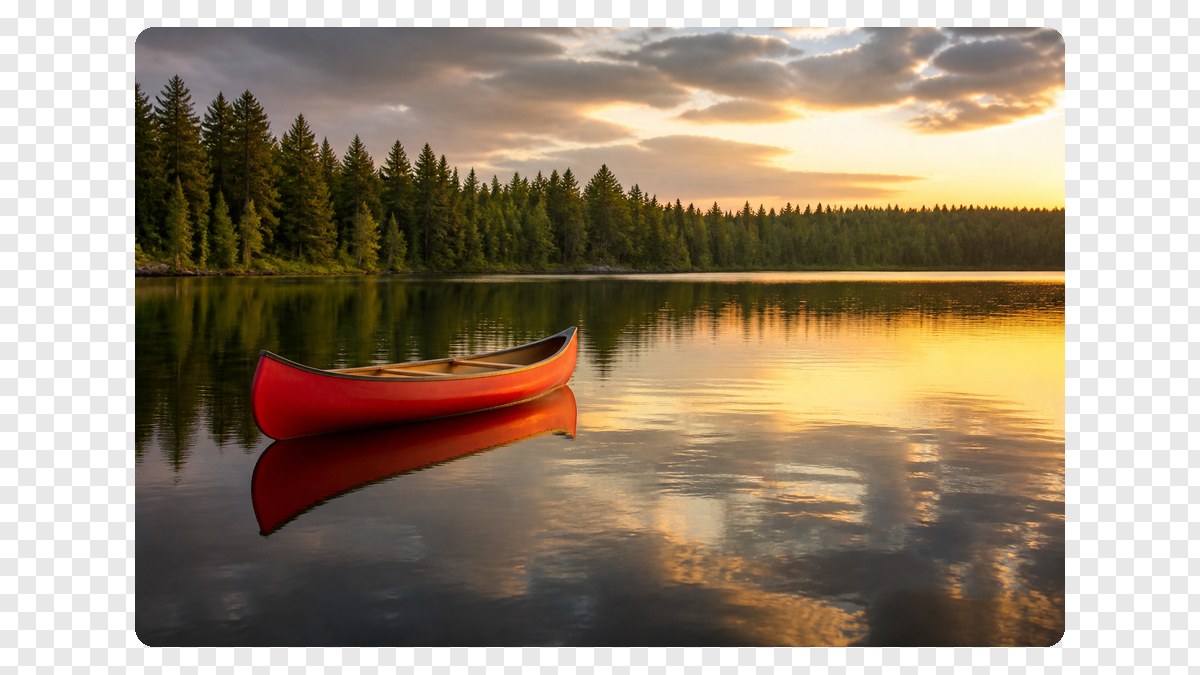
Download the rounded file
View it here, copy it, or download PNG, JPG, or WebP. Two or more photos download as a ZIP. Then open Split Image if you want tiles from that still.
Why round corners here
This page only bakes a curve onto a still. Round image corners, rounded corners, image corner rounder, and image rounder are the same job in the search box.
No upload
The file never goes to our server to finish the round image corners job. Closing the tab clears it from this page. That is the same privacy rule as Crop Image and the rest of this site.
The curve travels with the file
A CSS class does not follow the photo into mail, a marketplace, or a chat. The download is already rounded. Identity shows the filename, pixels, and radius.
Honest about other apps
We do not walk you through Photoshop, Canva, PowerPoint, Word, or Keynote. If you need those menus, use those apps. If you need a rounded PNG now, use this box.
Not a crop and not a cutout
A tighter rectangle is Crop Image. A color negative is Invert Image Colors. This page will not detect a face or guess a subject mask.
Limits and tips
- Radius is 0–50%. Subtle is 5%, Card is 15%, Max is 50%. The pixel radius is that percent of half the short side. The photo is not cropped.
- PNG keeps transparent corners. JPG fills them. Pick the fill color before you download a JPEG.
- This page uses one radius on all four corners. Per-corner radii and squircle curves are not here.
- Each file must stay under 40 MB. A side longer than 8000 px is scaled down before the export.
- HEIC from iPhone, TIFF, and PDF are rejected. Save a JPG or PNG first.
- Crop first on Crop Image if you still need to throw pixels away. Then bring that still here.
- A CSS border-radius snippet is not the download. We bake pixels so the curve survives email and marketplaces.
- You own the photo you add. This page is not legal advice and does not grant a copyright license.
Jobs that finish on this page
These are round image corners jobs. Software-menu searches stay off this list on purpose.
A product card with soft corners
A catalog still that should sit on a white or colored page without square edges. Leave Card on, pick PNG, View the transparency, then download.
Input: One JPG or PNG product photo
Setting: Card, PNG
Output: One PNG with transparent corners
Caveat: This is not a studio retouch and not a background remover.
A circle avatar from a square photo
A profile still that should look round in chat or a directory. Use a square photo, tap Max, download PNG.
Input: One square PNG
Setting: Max (50%)
Output: One rounded PNG
Caveat: 50% is a large curve, not a disc on a wide photo. Crop Image first if you need a true circle.
Same curve on a small icon batch
A folder of app icons or listing photos that all need the same rounded corners. Add up to 30, keep Radius, download the ZIP.
Input: Several PNG files
Setting: Same percent on all
Output: A ZIP of rounded files
Caveat: It is not a desktop folder watcher or a 500-file factory.
Round corners here, or use a neighbor tool?
Use this page
Bake rounded corners into the file
Use this URL when you need to round image corners, use an image corner rounder, or download rounded corners that travel with the file. CSS only lasts on a web page. Crop, flip, and split live on other URLs.
Use a related tool
Invert, blur, mosaic, or cut tiles
Need a color negative instead of a curve? Use Invert Image Colors . Need a soft wash? Use Blur Image . Need mosaic blocks? Use Pixelate Image . Need a left-right mirror? Use Flip Image . Need Instagram tiles? Use Split Image . None of those pages round image corners on this URL.
Round image corners FAQ
What does round image corners do on this page? +
It keeps the photo and curves the four corners. You add a file, drag a radius, and download that still as PNG, JPG, or WebP. The pixels inside the rounded rectangle stay. The corners outside the curve become transparent on PNG, or a fill color on JPG and WebP. Nothing is uploaded.
Is this a free image corner rounder I can use online? +
Yes. This URL is a free image corner rounder and a round image corners online tool. You do not create an account. There is no paid unlock for the rounding itself. The file stays in this tab until you close it.
How do I round image corners? +
Add a JPG, PNG, or WebP. Drag Radius, or tap Subtle, Card, or Max. The preview is the file you download. You do not need Photoshop, Canva, PowerPoint, or a CSS file for a simple rounded corners job.
Can I make a circle or a pill? +
50% is 50 percent of half the short side — a large rounded rectangle, not a crop and not a face cutout. A square looks very round. A wide photo keeps its frame. Crop Image first if you need a disc from a wide still.
Will the rounded corners stay transparent? +
Yes on PNG. The corners outside the curve stay alpha, so the file can sit on any page background. JPG has no alpha, so those corners fill with white or the color you pick. WebP can keep alpha if you want a smaller file than PNG.
Are my images uploaded to a server? +
No. The image rounder runs in this browser. We do not upload the photo to finish the rounded corners. Closing the tab clears it from this page. That is the same privacy rule as Crop Image and the rest of this site.
Do I need an app or browser extension? +
No. Use the browser you already have. This round image corners online page does not install an app, a Chrome extension, or a desktop rounder. Add a file, drag the radius, download.
Does it work on mobile? +
Yes. Safari or Chrome on a phone can add a JPG or PNG, drag the radius, and download. The slider is large enough to grab. A very long edge is scaled before the export so the tab does not freeze.
How do I round image corners in Photoshop, Canva, PowerPoint, or Word? +
This page does not open those apps. Those searches want a menu in that software. If you already have a JPG or PNG export, drop that file here to round image corners online and download a new still. We will not pretend this URL is their tutorial.
Is this the same as CSS border-radius? +
No. CSS only rounds the photo while it sits on a web page. Email, marketplaces, chat apps, and many editors ignore that CSS. This page bakes the curve into the pixels so the rounded corners travel with the file.
Can I round more than one image at once? +
Yes. Add up to 30 photos. The same radius applies to each file. Download one, or download all as a ZIP. That covers a small batch of icons or product stills. It is not a 500-file factory and not a folder watcher.
What formats can I round? +
JPG, PNG, WebP, GIF, BMP, and AVIF. Each file must stay under 40 MB. HEIC, TIFF, and PDF are rejected on purpose. Convert those to JPG first, then add the converted file to this image corner rounder.
Is this a crop tool or an AI cutout? +
No. Crop Image cuts a rectangle and throws the outside away. This page keeps the full frame and only curves the corners. It does not detect a face, a product, or a person. There is no magic subject picker.
Does it add a watermark? +
No. The rounded download has no watermark and no account wall. The file you take is the photo inside the rounded rectangle, encoded as PNG, JPG, or WebP.
Can I set a different radius on each corner? +
No. This page uses one radius on all four corners. Per-corner radii and squircle curves live on other sites. If you need one corner sharp and three round, use a design app, then bring a PNG back here only if you still want a uniform curve.
Can I split the photo after I round the corners? +
Yes. That is why this URL lives on Split Image. Round the corners first, download or keep the preview, then open Split Image to cut the still into a grid, a print poster, or an Instagram tile set.
Ready to round image corners
Add a photo above. Drag the radius. Download when the curve is right, then split it if you need tiles.
Round image corners