Image Extractor — Free Image Downloader
Paste a public page link. This image extractor is an online image downloader: it lists the pictures so you can download images from that link, one file or a small set. It is not Unsplash, and it does not make a blurry photo sharper.
Public pages
The image extractor reads HTML you could open in a browser. It does not log into accounts.
Pick, then save
You choose which pictures to keep. A direct image link returns that one file.
Not an enhancer
Download does not resize, unblur, or upscale. Those jobs stay on their own URLs.
After you save the files, continue on Split Image · Image Size Checker · Upscale Image
What an image extractor does here
An image extractor on this page takes a public link and lists the pictures that page already points at. People also type download images from link, website image downloader, download all images from a URL, and image downloader. The job is the same when the link is a page you can open without a password: see the files, then save the ones you want.
A direct picture address is the simple case. Paste the image link and the image extractor returns that file. A normal article or shop page is the other case. We read the public HTML, collect img, srcset, and social preview addresses, and show a grid. You are not searching the whole web, and you are not browsing a stock catalogue.
This is not an image enhancer and not an image upscaler. Saving a file does not add pixels or invent detail. If the picture is small, Upscale Image is a different page. If you only need width and height, Image Size Checker is the readout. Unsplash, Pexels, Pixabay, and Freepik are libraries of their own photos. This image extractor does not replace them.
Free image downloader for one link
Same image extractor path whether you call it an image downloader, a picture downloader, a photo downloader, or a website image downloader.
Page link or image link
Paste the article. Or paste the picture address itself. The image extractor treats a lone image URL as a one-file result.
Common picture files
JPG, PNG, WebP, GIF, and AVIF references on the page are listed. Scripts, stylesheets, and video files are skipped.
Choose before you save
Select the thumbnails you want. Download one file, or download the selection as a zip. You do not have to keep every icon on the page.
No image downloader extension
You do not install a Chrome image downloader extension. This free image downloader runs on the page. Our server reads the public HTML because the browser is not allowed to pull another site by itself.
How to download images from a link
Works on a phone or a computer. No account. Same steps for image extractor, image downloader, download image from link, download images, and download website images.
Paste the public link
Copy the address of a page you can open in a normal browser, or copy a direct picture link. Private profiles and login walls will not list their media.
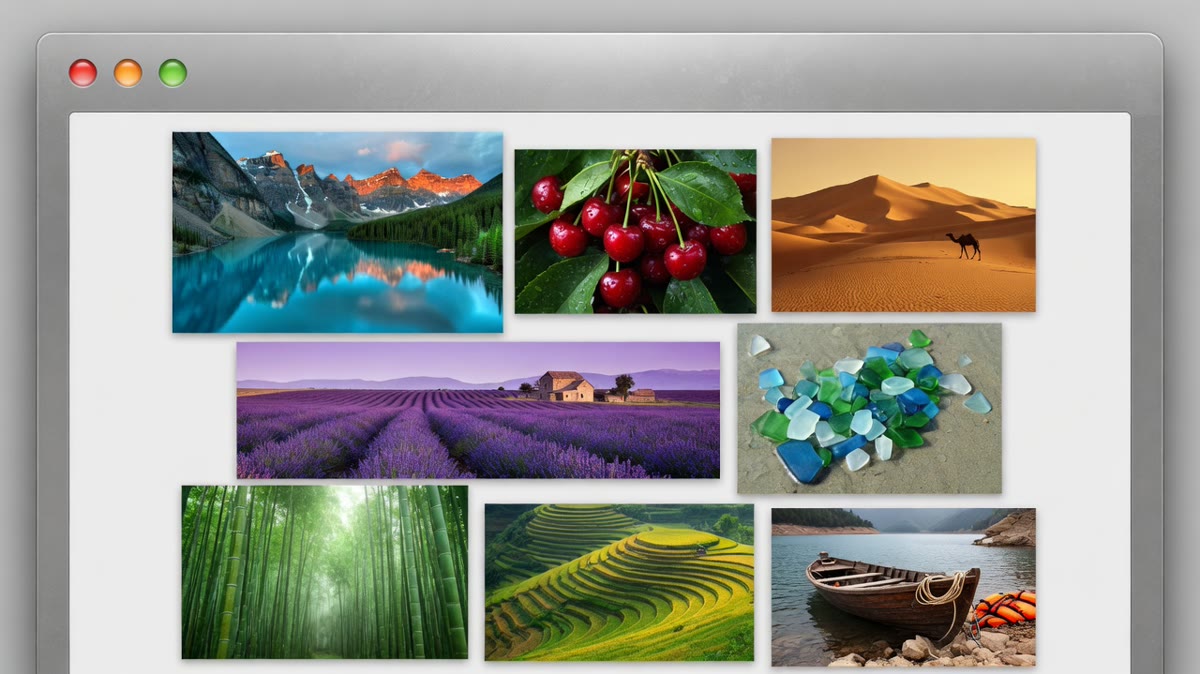
Read the list
The image extractor shows the pictures it found. Uncheck icons you do not want. If the page builds every image in JavaScript after load, some files will be missing. That limit is stated up front.
Download the files
Save one picture or a zip of the ones you selected. The original page is unchanged. We do not host a public gallery of what you extracted.
Why use this image extractor
The point is a short list from one link, not a stock search and not a photo editor.
No account
You do not create a login to run the image extractor. The limit is the public page, not a subscription tier.
Not a stock site
Free stock photos live on Unsplash, Pexels, and similar libraries. This page does not pretend to be their catalogue or their licence.
Honest about the fetch
Your browser cannot read a foreign page by itself. Our server requests the public HTML, then your browser shows the list. Do not use it on sites you are not allowed to copy from.
Leaves other jobs alone
Enhancing, upscaling, and checking pixel size are separate tools. The image extractor only collects files the page already offered.
Limits worth knowing
- Several pages is a short batch: up to ten public links, one per line, merged into one grid. It is not a crawl of a whole domain.
- Instagram, Facebook, and other login walls usually return a shell with no real pictures.
- Pulling a frame out of a video is a different job. This image extractor does not open MP4 files.
- Google Image Search pages are a search interface, not a folder of files you own.
- Tiny tracking pixels and SVG icons may be skipped on purpose.
- If a host blocks automated reads, the list stays empty. Open the page yourself and save the picture from there.
- Downloading a file does not give you a licence to republish it.
- A clearer or larger version of a blurry photo is Upscale Image, not another pass of this extractor.
When an image extractor is the right job
Use it when you already have the page address and only need the picture files that page references.
Save pictures from an article
You have a public blog or docs page. Paste the link, skip the logo, and download the figures.
Keep one shared image link
Someone sent a direct JPG or PNG address. The image extractor saves that file without making you hunt through the page source.
Collect product photos you may use
A public catalogue page lists images you are allowed to download. Pick those shots. Do not point this tool at a private shop admin.
Image extractor, not the neighbouring tools
extract.pics and imgdownloader.com do this same paste-a-link job. This image extractor is that free image downloader on splitimage.im: no account, then a download. It is not an image downloader extension, and it is not a place to browse stock photos.
Image enhancer, photo enhancer, and image upscaler searches want a clearer or larger file. That is a different intent. This page will not pretend a download is a restore. If the file is already on your computer and you need pixels or print size, use Image Size Checker. If you need a bigger pixel grid, use Upscale Image.
Image extractor FAQ
How do I download images from a link?
Paste the public page address or the direct picture address and press Extract. The image extractor lists what it can see. Download one file or the ones you selected. If the link needs a login, the list will be empty or useless.
How do I extract images from a website?
Use one public page URL, not the whole domain. A website image downloader here means that page’s picture references, including ordinary img tags and the social preview image. It does not crawl every URL on the site.
Can I download all images from one URL?
You can select every picture the image extractor found on that page and save them as a zip. Very long pages are capped so the list stays usable. For several different pages, switch to Several pages and paste up to ten links, one per line.
Can I extract images from several websites at once?
Yes. Choose Several pages and paste up to ten public links, one per line. The image extractor merges them into one grid, with a chip for each site so you can hide the others. A zip of more than one site puts each site in its own folder. This is not a crawl of every page on those domains.
Does a direct image link work?
Yes. If the address itself is a JPG, PNG, WebP, GIF, or AVIF file, the image extractor returns that single file. You do not need an article around it.
Is this a free stock photo site?
No. Unsplash, Pexels, Pixabay, and Freepik are catalogues with their own licences. This image extractor does not search them and does not grant rights to pictures you pull from someone else’s page.
Do I need an image downloader extension?
No. An image downloader extension in Chrome is a different product. This free image downloader runs after you paste a link. Nothing is installed, and there is no store listing to add.
Is this an online image downloader?
Yes. Paste one public link and the image extractor works as an online image downloader: image download, download image, download photo, or download picture all mean the same save step. It is free and does not ask for an account.
Can I download all images from a website page?
You can download all images the image extractor found on that one page, as a zip. Download website images here means that page, not every URL on the domain. A website image downloader that crawls a whole site is a different product.
Does a Google image downloader belong here?
No. A Google image downloader usually means the image-search grid or a browser add-on. This image extractor does not search Google. Open the page that hosts the file, then paste that link.
Will it download Instagram or Facebook photos?
Usually no. Those apps hide media behind a login. The image extractor only reads public HTML. If you cannot see the pictures in a logged-out window, this page cannot list them either.
Can it pull a frame from a video?
No. How to extract an image from a video is a video tool. Paste an image page or an image file link. MP4 and WebM addresses are rejected.
Does downloading make the photo clearer?
No. An image enhancer or image upscaler changes pixels. This image extractor only saves the file the page already had. A soft picture stays soft until you open a different tool.
Why are some pictures missing?
Pages that draw every image with JavaScript after load often ship an empty first HTML document. The image extractor reads that first document. Pictures injected later may not appear. Open the page and save those files another way.
Is the image uploaded to you first?
You do not upload a photo from your computer for this job. You paste a link. Our server requests that public URL so the browser can show a list. Do not paste addresses you are not allowed to fetch.
Can I use images I extract anywhere?
Saving a file is not a licence. Check the page you copied from. This image extractor does not add a rights grant, and it does not strip watermarks.
What about Google image search links?
A Google results page is a search screen, not a folder of original files. The image extractor may see almost nothing useful there. Open the source page that actually hosts the picture.
How is this different from extract.pics?
extract.pics is another website image downloader: paste a URL, get a list. This image extractor does that public-page job without an account. It is not better at private sites, and it will not enhance the file.
Are private network addresses allowed?
No. Localhost and private IP ranges are blocked. The image extractor is for public http and https pages, not for scanning your own router or cloud metadata address.
What should I do after the files are saved?
If you need the pixel size, open Image Size Checker. If you need a larger pixel grid, open Upscale Image. If you need to cut a sheet for a post, open Split Image. None of those steps happen inside the extractor.
Paste a link and extract the pictures
Use the image extractor above on a public page. Pick the files. Leave enhancers, stock libraries, and private accounts to their own tools.
Back to the image extractor