Split PDF Online Free
This split PDF tool is a free online PDF splitter in your browser. Drop one file, extract PDF pages, cut a PDF by range, or split PDF pages every N sheets. Nothing is uploaded.
Split options
In this tab
The split PDF file is not uploaded.
Three cuts
Range, extract PDF pages, or every N.
PDF or ZIP
Download PDF by default; ZIP is optional for two or more files.
Also on this site: Image to Printable PDF · Merge Images · Split Image
What does this split PDF tool do?
A split PDF job takes one Portable Document Format file and writes some of its pages into new files. The PDF splitter copies those sheets; it does not reprint them as pictures, so type, links, and page size stay as they were. PDF split, PDF cutter, cut PDF, and separate PDF pages are the same job on this URL: pages in, smaller PDFs out.
Extract PDF pages when you only need a signature sheet or an appendix. Split PDF pages into one file per sheet when each invoice has to travel alone. A range such as 1-3, 5, 8-10 is a PDF divider that keeps chapters together. Split PDF online here without a second English page for pdf splitter free, pdf separator, or divide PDF.
The file stays in this tab. This split PDF page does not send the document to a convert API, does not crack a password, and does not tile a photograph across A4 sheets. That last job lives on Image to Printable PDF. Combining two PDFs is not this URL.
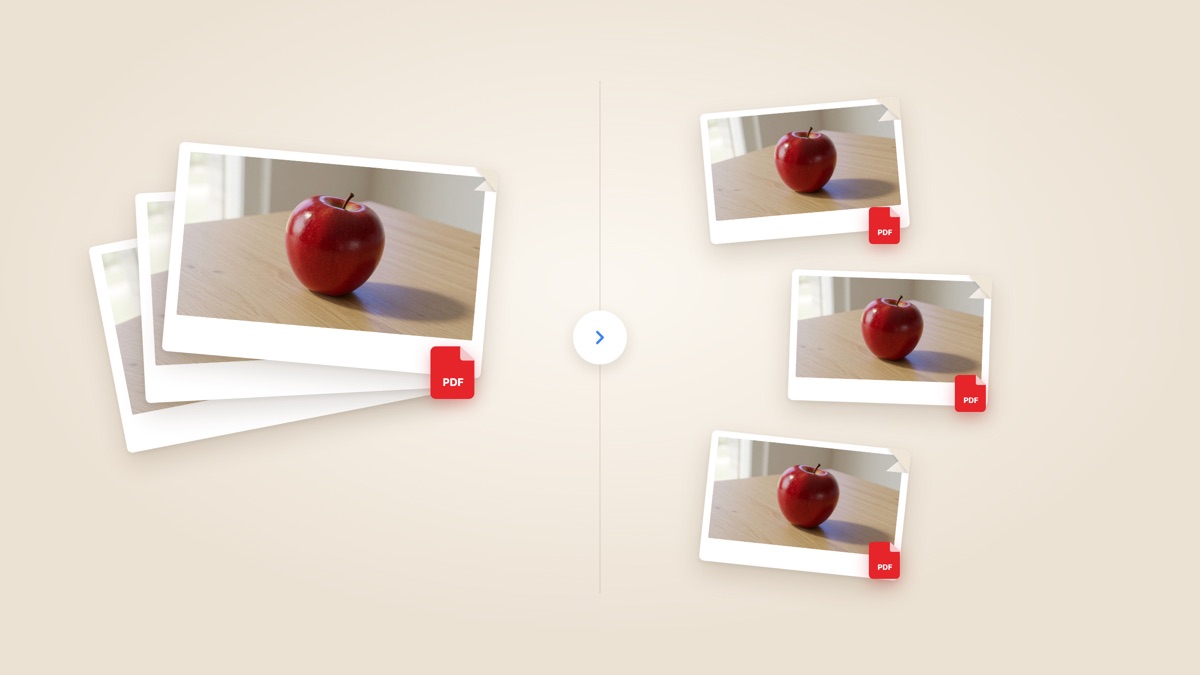
PDF splitter controls
One document, three ways to split PDF pages, a preview you can check before you save.
Split PDF by page range
Type 1-3, 5, 8-10. Each span becomes its own file, or tick merge to keep those ranges in one split PDF download. That is the PDF cutter range mode.
Extract PDF pages
Click thumbs to extract PDF pages. Keep the selection as one document, or save each sheet as its own PDF. Separate PDF pages and unmerge PDF both land here.
Split every N pages
A fixed PDF divider: every 2 pages, every 10, or 1 for a full split PDF into single sheets. The last file keeps the remainder.
Private in this browser
pdf-lib copies pages in this tab. Close the tab and the split PDF files are gone. There is no account and no watermark on the sheets.
How do I split a PDF?
Three moves to split PDF online. The new files are built in this tab after the document opens.
Add the PDF
Drop one PDF, or browse for it. The split PDF file stays in this tab and is not uploaded. Encrypted files are rejected on the page.
Choose the cut
Pick a range, extract PDF pages on the film, or split every N pages. The preview is the sheet under the cursor so you can see the cut before you save.
Download the files
Download PDF is the default. Two or more parts still save as PDFs; Download ZIP appears so you can take them in one archive. View opens the first split PDF file in this page.
Why split PDF in the browser?
A PDF splitter only helps if the original never leaves the device and the new files match the pages you picked.
No upload to a split PDF site
iLovePDF, Adobe, and Smallpdf send the file to a server. This split PDF run stays in the tab with pdf-lib.
Pages are copied, not flattened
A PDF cutter that re-encodes sheets can blur type. Copying pages keeps the split PDF pages sharp and keeps internal links on those sheets.
Range, extract, and every N
One split PDF URL covers extract PDF pages, a custom PDF divider, and a fixed chunk size. You do not open a second tool to cut PDF pages.
No account
There is no signup, no watermark, and no credit charge for another split PDF batch on this page.
Tips and limits
- Ranges are inclusive. 1-1 is one sheet. 4-end is the tail of the split PDF file.
- Extract PDF pages with merge on when you want one attachment. Leave merge off when each sheet must be its own PDF.
- This split PDF converter caps a file at about 80 MB and 200 pages so the tab stays responsive. Larger jobs belong in a desktop PDF splitter.
- It does not open a locked file, does not OCR a scan, and does not tile a poster. Use Image to Printable PDF when one picture must cover several sheets.
Where a split PDF file gets used
Anywhere a form, inbox, or archive wants part of a document instead of the whole stack.
Pull a signature page
Extract PDF pages 7-7, download one split PDF file, and send that sheet. You do not mail the rest of the contract.
Invoices as separate files
Split PDF pages one by one so each bill can be filed. The ZIP is a PDF splitter batch, not a second merge step.
Chapters for a class portal
Cut a PDF into ranges 1-12 and 13-24. Each split PDF file is a chapter the portal will accept under a size cap.
What this page will not do
This split PDF tool is not Image to Printable PDF. That URL tiles one picture across A4 or Letter sheets for a wall poster. Here you split PDF pages that already live in a document.
It is not Merge Images and it is not a merge-PDF product. After you split PDF files you can join them elsewhere; this page only cuts.
It does not convert Word or Excel, does not turn PDF pages into JPG (that lives on a sister site), and does not guess a password. HEIC photos are not a split PDF input.
Split PDF questions
How do I split a PDF in the browser?
Drop the file on this split PDF page. Choose a range, extract PDF pages on the thumbs, or split every N pages. Download one PDF or a ZIP. The document stays in this tab and is not sent to a server.
Is this split PDF tool free?
Yes. This PDF splitter is free online. There is no account, no watermark, and no charge to cut a PDF and save the new files. You can open another document after the first without a daily cap on this page.
Can I split PDF online without installing software?
Yes. Split PDF online in a current desktop or phone browser. You do not install a PDF splitter app or an extension. The cut runs with pdf-lib in this tab.
Do I need an app or browser extension?
No. A current browser is enough to split PDF pages. Drop the file or browse for it. Nothing extra has to be installed to extract PDF pages or save the ZIP.
How do I extract PDF pages?
Open Extract, click the thumbs you want, and download. Merge keeps those extract PDF pages in one file. Leave merge off to save each sheet as its own PDF. That is the same job as a PDF page extractor.
How do I split PDF pages into separate files?
Set every N to 1, or extract all pages with merge off. Download PDF saves each sheet; Download ZIP packs them into one archive named by page number. That is the usual PDF splitter batch.
How do I cut a PDF by page range?
Use Range and type spans such as 1-3, 5, 8-10. Each span is one file unless you merge ranges. A PDF cutter and a PDF divider both mean this range cut on this split PDF URL.
What is a PDF splitter or PDF cutter?
A PDF splitter (also called a PDF cutter, PDF separator, or PDF divider) copies selected sheets into new documents. This split PDF page is that tool. It does not crop the artwork inside a page.
Does splitting a PDF reduce quality?
No. This split PDF run copies pages instead of flattening them to images, so type and drawings stay as they were. A scan that was already blurry stays blurry; the PDF splitter does not sharpen it.
Can I split a password-protected PDF?
No. A locked file is rejected on this split PDF page. Remove the password in the program that created it, then drop the unlocked document here. This PDF splitter does not guess or strip passwords.
What are the file size and page limits?
About 80 MB and 200 pages. That keeps a split PDF job inside the tab. A bigger file belongs in a desktop PDF splitter. Encrypted files and non-PDF types are skipped rather than uploaded.
When do I get a ZIP instead of one PDF?
Download PDF is always the main button. One part is one PDF. Two or more parts still download as PDFs, and a Download ZIP button appears so you can take them in one archive. Merge extract or merge ranges when you want a single split PDF attachment.
How is this different from Adobe Acrobat split PDF?
Acrobat’s online split PDF tool uploads the file and asks you to sign in. This PDF splitter copies pages in the browser. You still get ranges and extract PDF pages; you do not get Adobe’s cloud library.
How do I split a PDF on a Mac without Preview?
Preview can drag pages into a new file, but this split PDF page does the same cut in any browser, including Safari. Drop the document, set the range, and download. You do not export from Preview first.
Is this the same as Image to Printable PDF?
No. Image to Printable PDF tiles one picture across print sheets. This split PDF URL cuts a document you already have. Keep the poster URL for wall prints; use this PDF splitter for page ranges.
Can I merge the split PDF files back together?
Not on this page. A split PDF tool only cuts. After you download the parts you can join them in a merge-PDF product. Merge Images on this site stitches photos, not PDF pages.
Does the PDF splitter work on iPhone and Android?
Yes. The phone file picker can open a PDF from Files or Drive. Split PDF pages, then save the PDF or ZIP. A very large file may hit the 80 MB cap the same as on a computer.
How do I separate PDF pages or unmerge a PDF?
Separate PDF pages, unmerge PDF, and dismerge PDF are names for the same split PDF job. Extract all pages with merge off, or split every 1 page, then download the PDFs or the ZIP of single sheets.
Can I split every 2 or 10 pages?
Yes. Every N is a fixed PDF divider. 2 makes pairs, 10 makes tens, and the last split PDF file keeps leftover sheets. That matches the fixed-range mode on other PDF splitter sites.
Is my document uploaded when I split PDF?
No. The PDF splitter reads the file in this tab. There is no convert API and no account. Close the tab and the split PDF bytes are gone from memory.
Split PDF online free
Drop a document, cut the pages in this tab, and download a PDF or a ZIP. No upload and no account.
Split a PDF