Circle Crop Image Online Free
A free circle crop image tool: drag a locked circle over the part you want to keep, then download that round cutout. PNG and WebP leave the outside clear.
Drop a photo here
or browse, or paste from the clipboard
Choose a photo
Drag inside the circle to move it. Pull a handle to resize. It stays round.
Circle preview
Locked circle
Move it and resize it. The frame does not become an oval.
No upload
The photo stays in this browser while you frame the circle and download it.
PNG, WebP, JPG
PNG and WebP keep a clear outside. JPG fills that outside with white.
Also on this site: Crop Image · Round Corners · Split Image
What a circle crop image does
A circle crop image keeps a round region of a photo and throws away the square corners. Use it when you need to crop image to circle, crop image into circle, or turn a square file into a circle image crop. A normal crop can only cut a rectangle. Profile photos, team portraits, stickers, and round badges need the opposite: a true circle, measured in the photo’s own pixels.
This circle image cropper lets you place the circle. Drag it over a face, a logo, or a product, then pull a handle to grow or shrink it. The circle crop stays round the whole time, so the saved file is never an oval. The download uses the diameter you framed, at the photo’s resolution, not a shrunken preview.
PNG and WebP from this circle crop image keep the area outside the circle transparent, so the round photo can sit on any color. JPG cannot store that clear edge, so a JPG fills the outside with white. Nothing is sent to a server. The picture stays in this browser while you frame the circle crop and save it.
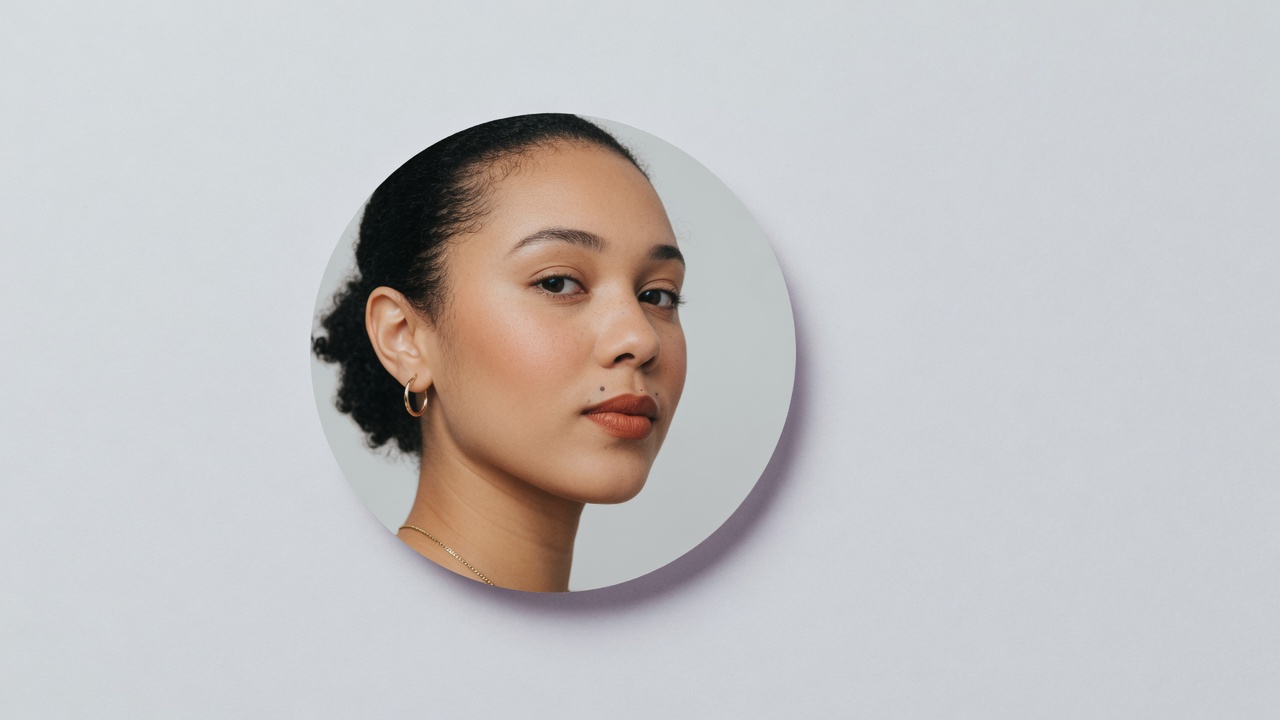
Circle image cropper controls
One photo, one locked circle crop image, one round file.
A true circular crop
The circle crop image frame stays round while you move it and resize it. This page does not stretch the crop into an oval or a loose round crop that is wider than it is tall.
You choose the spot
The circle does not lock to the center of the file. Drag the circle crop onto the face, the logo, or the mark you actually want to keep.
Transparent round cut PNG
PNG and WebP from the circle crop image leave the outside clear. JPG fills that same outside with plain white, which is the file to use when a clear edge is not required.
Full-size circle image crop
If the circle crop image covers 800 pixels of the photo, the file is 800 pixels across. The on-screen preview is only a view of that same circle.
How to circle crop an image
Three moves on this free circle crop image page. The circle is already round when the photo opens.
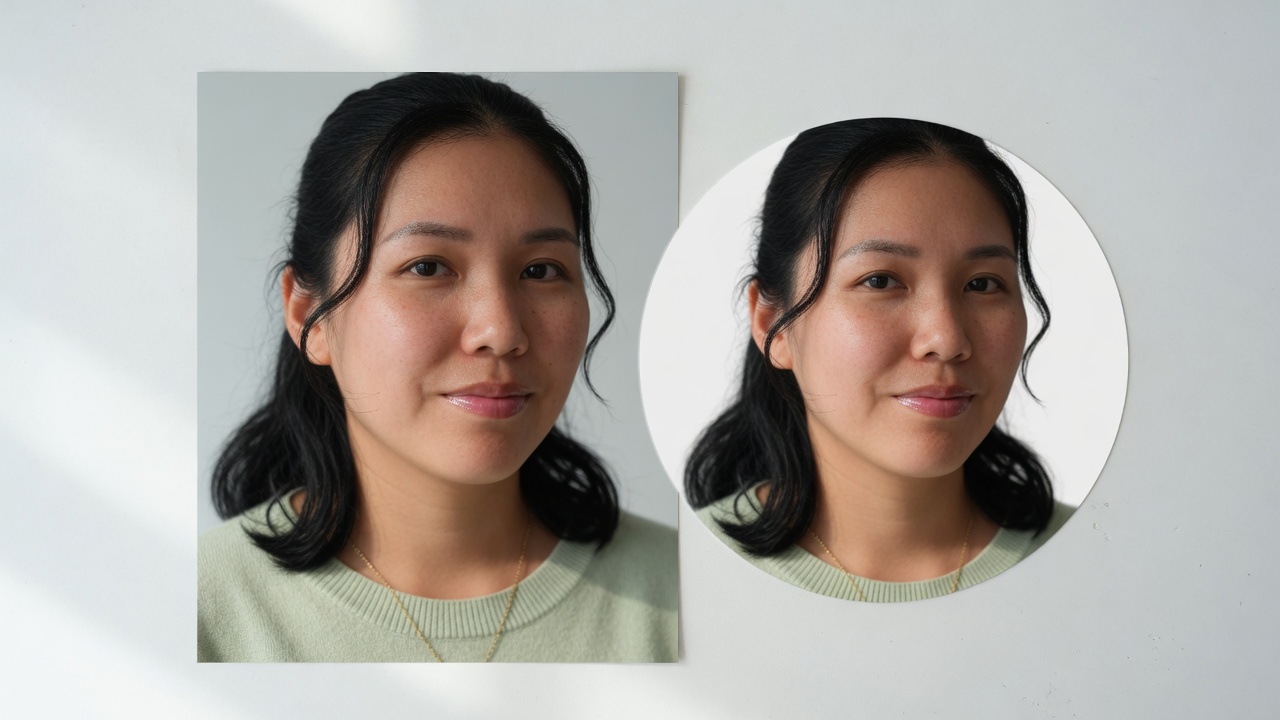
Add the photo
Drop a JPG, PNG, or WebP onto the circle crop image box, browse for it, or paste it. The picture stays in the tab.
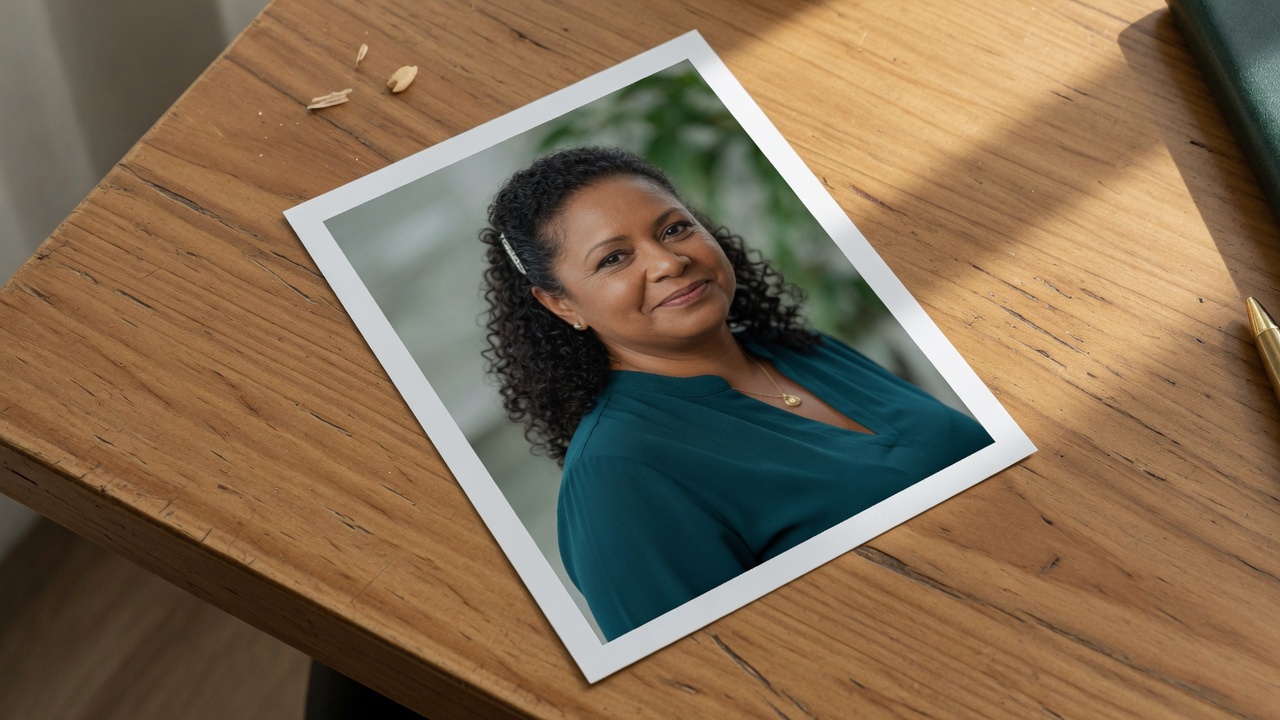
Place the circle
Drag inside the circle to move it. Pull a handle to make it larger or smaller. It cannot become an oval.
Download the round file
Save PNG or WebP when you need a clear outside, or JPG when a white surround is enough.
Why crop the circle yourself
Apps that show a round avatar still store a square, and they pick the center. A circle crop image lets you choose the face first.
You decide the face
WhatsApp, Instagram, Discord, LinkedIn, and YouTube draw portraits inside a circle. A circle crop image framed here means the face is not chopped by their default center.
The file is already round
A transparent PNG drops onto a page, a slide, or a sticker sheet without a white box in the corners.
No account
There is no signup, no watermark, and no library of your photos on this site.
Private on this device
The crop runs in the browser canvas. Close the tab and the photo is gone with it.
Tips and limits
- Leave a little room around a face on the circle crop image. A circle that kisses the hair on one side looks tight once an app shrinks the avatar.
- A steep crop of a small photo stays small. The tool does not invent extra pixels.
- JPG will not keep a clear outside. Use PNG or WebP when the round photo has to sit on a colored background.
- This page will not draw a heart, a star, or an oval. A rectangular crop is on Crop Image. Softening only the corners is on Round Corners.
Circle pfp, logo, and square to circle
Use the circle crop image anywhere a square file would show corners you do not want.
Circle pfp maker
Frame a headshot as a circle pfp before you upload it, so the circle the app draws matches the face you chose in the circle crop image.
Square to circle image
Crop a square image into a circle, or make a photo round, without letting the circle crop image stretch into an oval. The file comes out as wide as it is tall.
Logo circle crop
Pull a mark out of a square logo with a logo circle crop. The PNG is a transparent circle you can place on another design.
What this page will not do
This circle crop image is not a crop inside Google Docs, Slides, Word, PowerPoint, Paint, Canva, or Illustrator. Those apps have their own menus. Here you open the photo in the browser, move a circle, and download a file.
It is not an oval crop, a heart crop, or a freehand lasso. The frame is locked to a circle. A level rectangle belongs on Crop Image. A photographed page that leans belongs on Perspective Crop. Soft rounded corners on a rectangle belong on Round Corners.
It does not find a face for you, add a ring border, or shrink the whole photo into the circle without cutting anything. You place the circle. What sits outside it is removed.
Circle crop questions
How do I circle crop an image?
Add the photo, drag the circle over the part you want to keep, and pull a handle until the size looks right. Then download PNG, WebP, or JPG. The shape stays round while you move it.
Can I use this online in a browser?
Yes. The circle crop runs in this tab. You do not install a program, and the photo is not sent to a server before you download the round file.
Is this free to use?
Yes. There is no account, no watermark, and no charge to frame a photo and save the circle. You can open another picture after the first one.
Do I need an app or browser extension?
No. A current browser is enough. Drop the file, paste it, or browse for it. Nothing extra has to be installed to move the circle or save the cutout.
Does it work on mobile?
Yes. On a phone the photo sits above the result. Drag the circle with a finger and use the handle to resize it. The download is the same round file as on a computer.
Can I download the result?
Yes. The download button saves the circle you framed. The label next to the preview is the pixel size of that file, not a smaller on-screen view.
What file do I get — PNG, WebP, or JPG?
PNG and WebP keep the outside of the circle transparent. JPG cannot, so the outside of a JPG is white. This page does not make a PSD.
Does the circle crop keep a transparent background?
PNG and WebP do. Everything outside the circle is clear, so you can place the round photo on another color. Choose JPG only when a white surround is what you want.
Is the crop a true circle, not an oval?
Yes. The width and height of the saved file are the same, and the mask is a circle. This page will not stretch the frame into an ellipse.
What size is the round image?
The file is as wide as the circle you drew, in the photo’s own pixels. A circle that covers 900 pixels comes out 900 by 900. The tool does not upscale it.
Can I circle crop and resize the image?
You resize the circle on the photo, and the download matches that diameter. There is no separate percent slider and no extra enlargement beyond the pixels already in the picture.
How do I crop a picture to a circle for a profile photo?
Put the circle on the face, leave a little space around the hair, and download a PNG. You can then use that round file anywhere an avatar is shown inside a circle.
Does this upload my photo?
No. The picture is opened and clipped in your browser. Close the tab and it is gone. This site does not keep a copy.
Can I circle crop an image in Google Docs, Slides, Word, or PowerPoint here?
No. This page does not open those apps. Crop the photo here, download the round file, and place that file into the document yourself.
Is this the same as a rectangular crop?
No. Crop Image cuts a level rectangle. This page cuts a circle. If you only need square corners softened, use Round Corners instead.
How do I make an image a circle?
Open the photo in this circle crop image tool, move the circle onto the subject, and download PNG or WebP. That is the same job as making a photo round or turning an image into a circle.
Is there a free circle crop image online?
Yes. This free circle crop image runs online in the browser. There is no account and no watermark. PNG and WebP keep a clear outside, and JPG fills that outside with white.
Can a circle cropper turn a photo into a circle?
Yes. This circle cropper is a circular crop for one photo. Drop the picture, drag the circle, and save a photo circle crop as PNG, WebP, or JPG.
Cut the photo into a circle
Add a photo, set the circle, and download the round file. It stays in this browser.
Open the crop